GigE Area Scan Camera User Manual
97
12.7 Transfer Control
You can go to Transfer Control to view the device’s transfer sources, transfer mode, queue
information, etc.
Note
The specific parameters of transfer control may differ by device models.
12.7.1 User Controlled Transfer Control
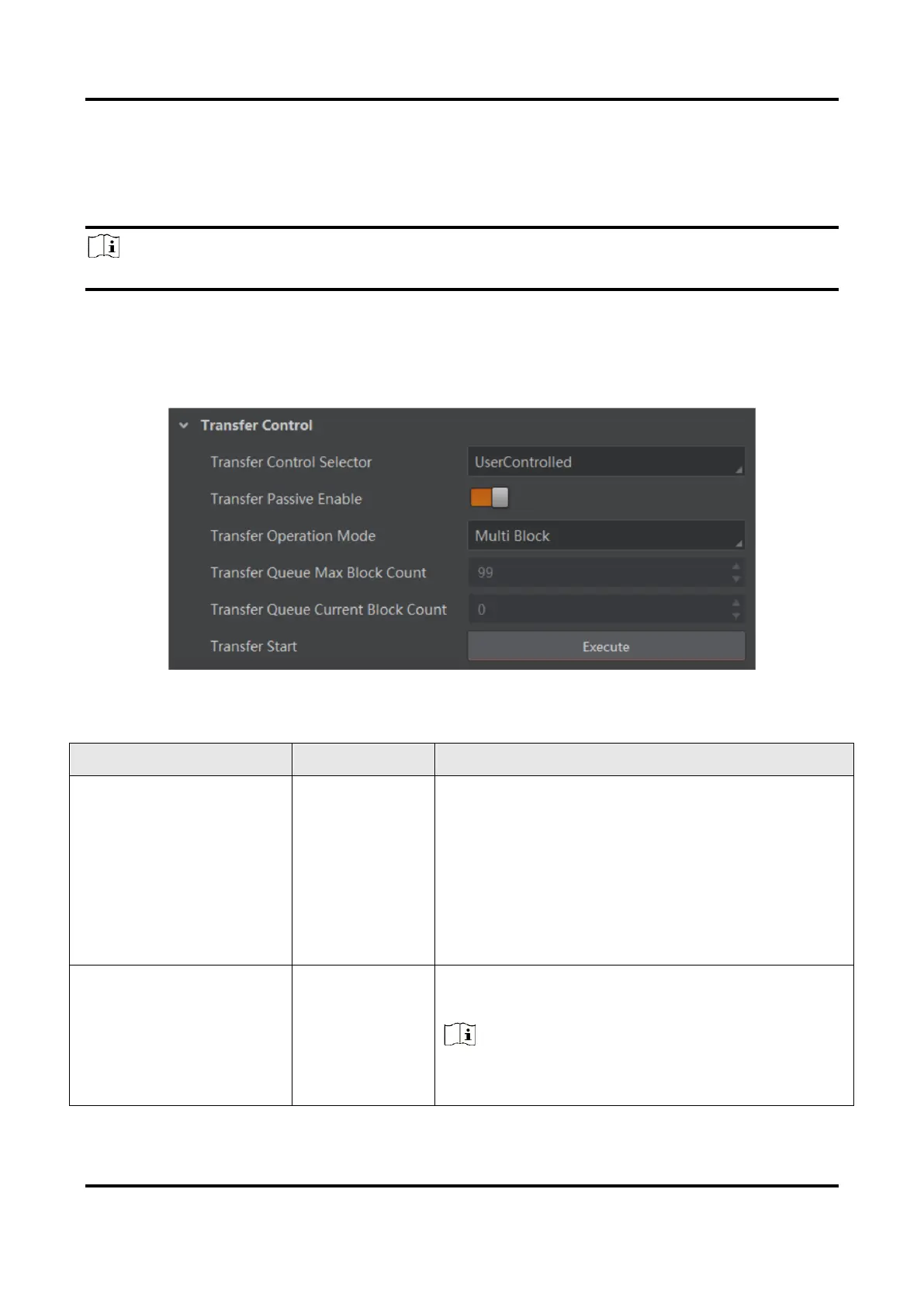
The parameters of user controlled transfer control are shown below.
Figure 12-14 User Controlled Transfer Control
Table 12-5 Parameters of User Controlled Transfer Control
Transfer Control
Selector
It selects the transfer mode.
●
Basic: In this mode, the device sends images
to the client software directly after acquiring
images.
●
User Controlled: In this mode, the device
saves images in its internal cache first, and
then sends to the client software after
acquiring images.
The transfer passive node will be displayed if it
is enabled.
Note
You should select User Controlled as Transfer
Control Selector first.



 To Next Page