GigE Area Scan Camera User Manual
61
11.9 Set Decimation
Note
●
Decimation Horizontal is the image’s width, and Decimation Vertical is the image’s
height.
●
The decimation related functions may differ by device models.
The decimation feature allows you to reduce the number of sensor pixel columns or rows
that are transmitted by the device. This procedure is also known as subsampling. It
reduces the amount of data to be transferred and may increase the device ‘s frame rate.
Click Image Format Control, and set Decimation Horizontal and Decimation Vertical
according to actual demands.
Figure 11-24 Set Decimation
11.10 Set Exposure Time Mode
Note
●
The exposure time mode may differ by device models.
●
If the device you got does not support Ultrashort exposure time mode, and then there is
no Exposure Time Mode parameter, and your device supports Standard exposure time
mode only by default.
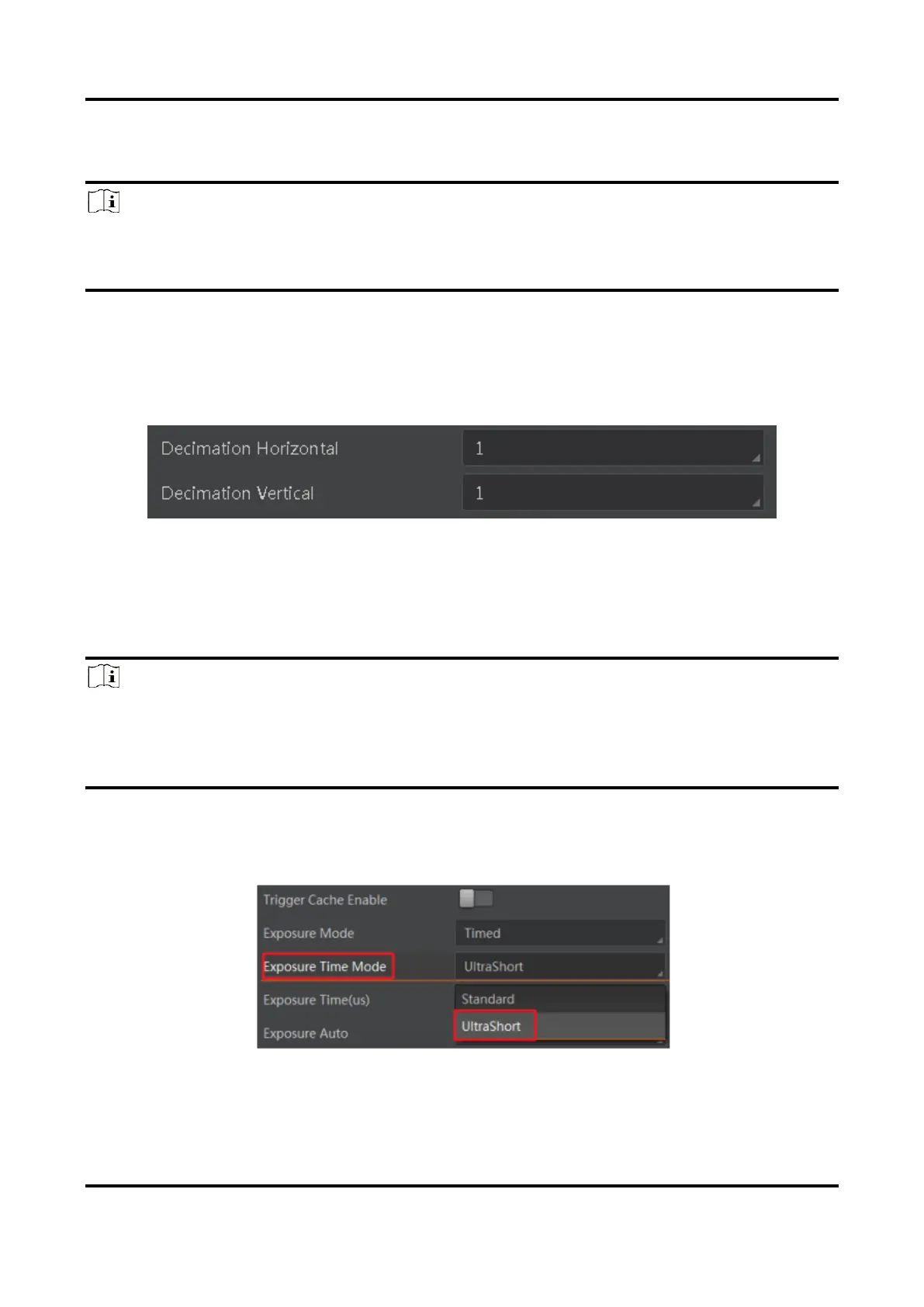
The device offers 2 types of exposure time modes, including Ultrashort mode and
Standard mode. Go to Acquisition Control → Exposure Time Mode, and set Exposure
Time Mode according to actual demands.
Figure 11-25 Set Exposure Time Mode



 To Next Page