GigE Area Scan Camera User Manual
55
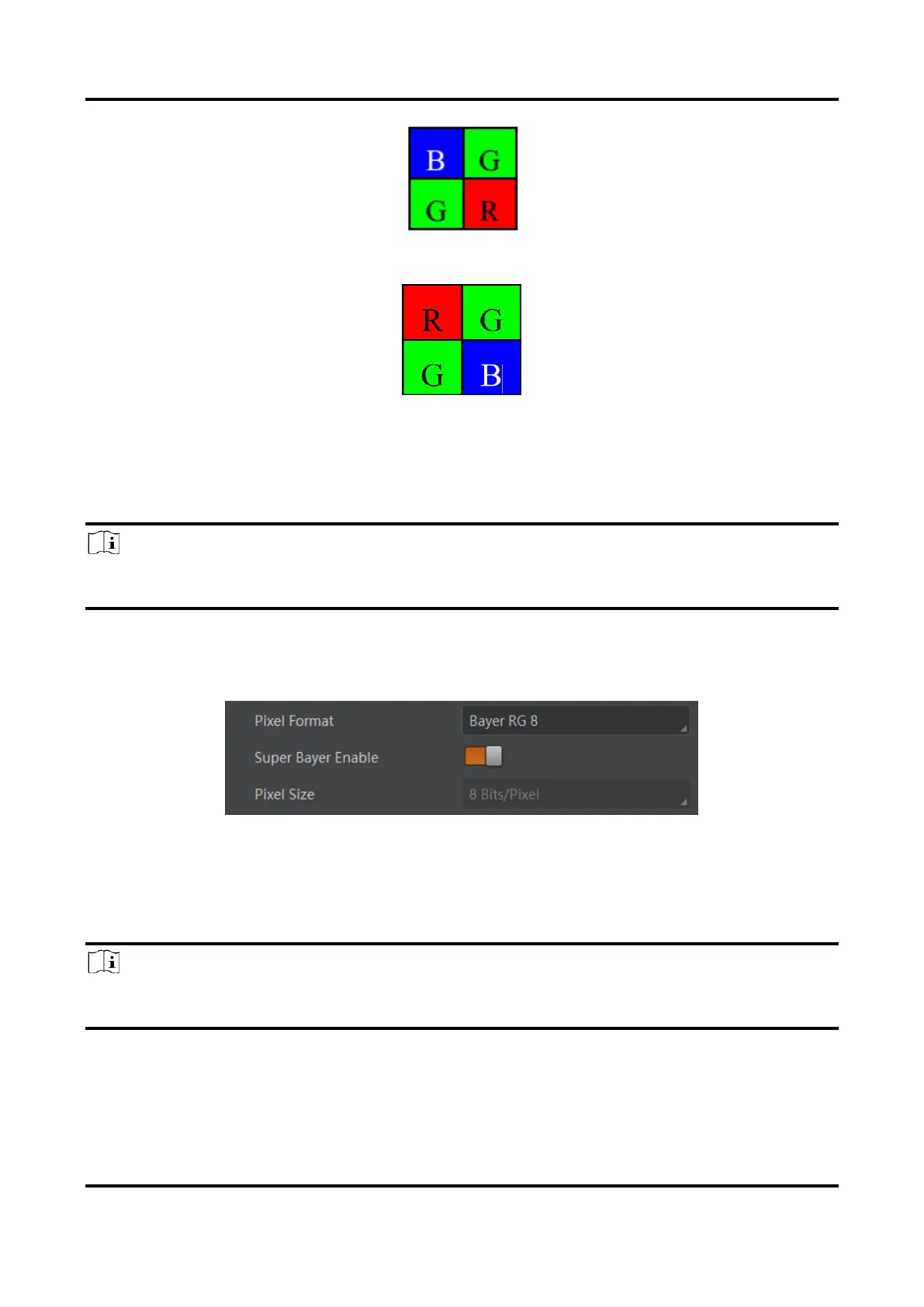
Figure 11-8 Bayer BG Pixel Pattern
Figure 11-9 Bayer RG Pixel Pattern
11.5 Set Super Bayer
Note
For different models of device, the super Bayer function may be different, please refer to
the actual one you got.
In Bayer pixel format, the device supports Gamma function, LUT, contrast ratio, super
palette control, and sharpness function after you enable Super Bayer Enable. Go to Image
Format Control → Super Bayer Enable, and enable it according to actual demands.
Figure 11-10 Set Super Bayer
11.6 Set Image Compression Mode
Note
The function of the image compression is related with device models, firmware and pixel
format, and the actual product you purchased should prevail.



 To Next Page