GigE Area Scan Camera User Manual
63
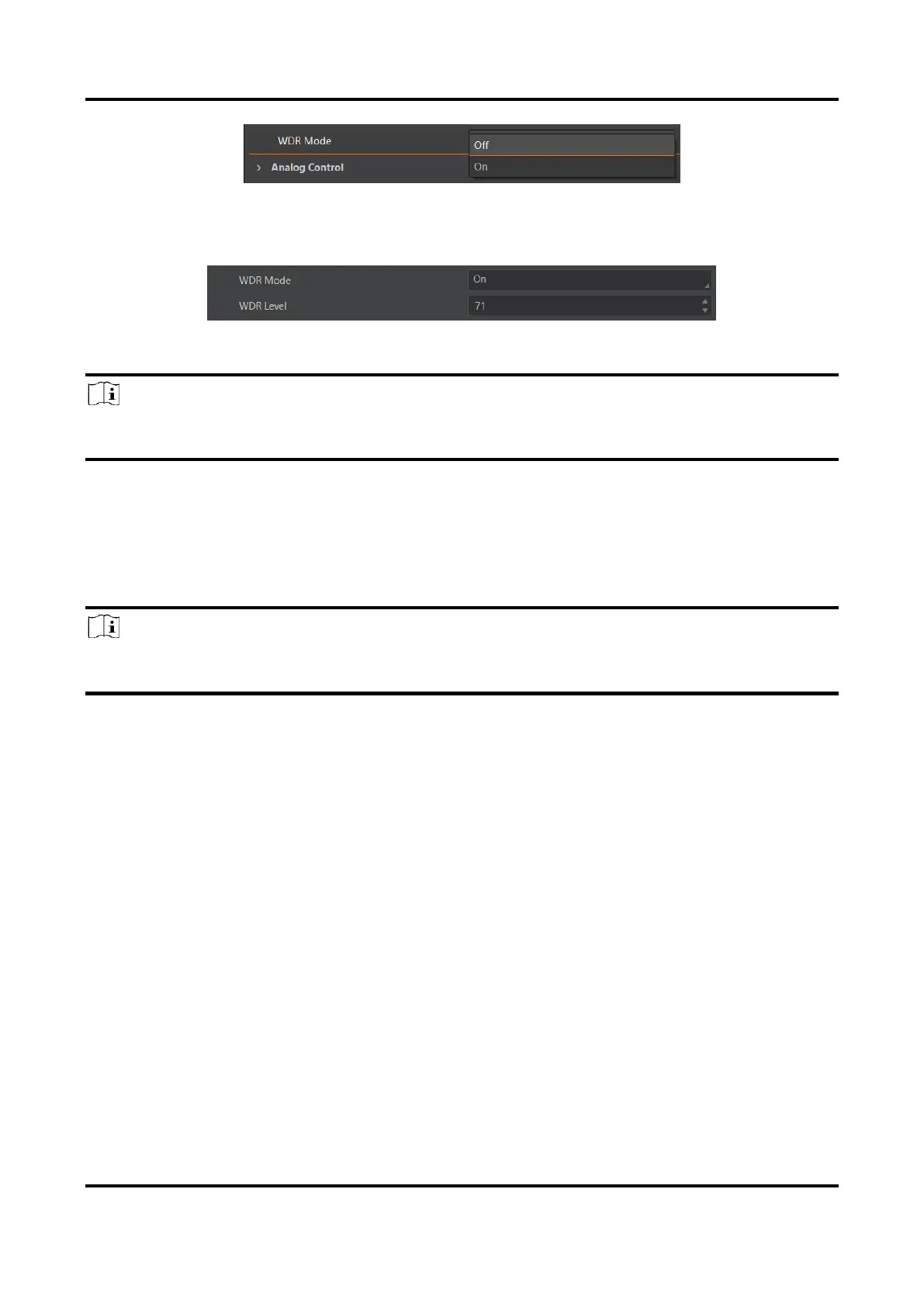
Figure 11-27 Set WDR Mode
3. Set WDR Level according to actual demands if the WDR Mode is On.
Figure 11-28 Set WDR Level
Note
The range of WDR level is between 0 to 100. The larger the value, and the larger the wide
dynamic range. It is recommended to set it as 71.
11.13 Set Sequencer Control and HDR
The device supports sequencer or HDR functions, which allow you to configure multiple
groups of parameters to acquire images.
Note
●
The device cannot support sequencer and HDR functions at the same time.
●
The sequencer or HDR function may differ by device models.
11.13.1 Set Sequencer
If the device supports sequencer, you can configure multiple groups of parameters
including exposure time and gain.
Steps
1. Go to Sequencer Control, select Off as Sequencer Mode, and On as Sequencer
Configuration Mode.



 To Next Page