GigE Area Scan Camera User Manual
78
11.28 Set Super Palette Control
Note
●
The function of super palette control may differ by device models.
●
Regarding the color device in Bayer pixel format, you need to enable Super Bayer Enable
first before using super palette control function.
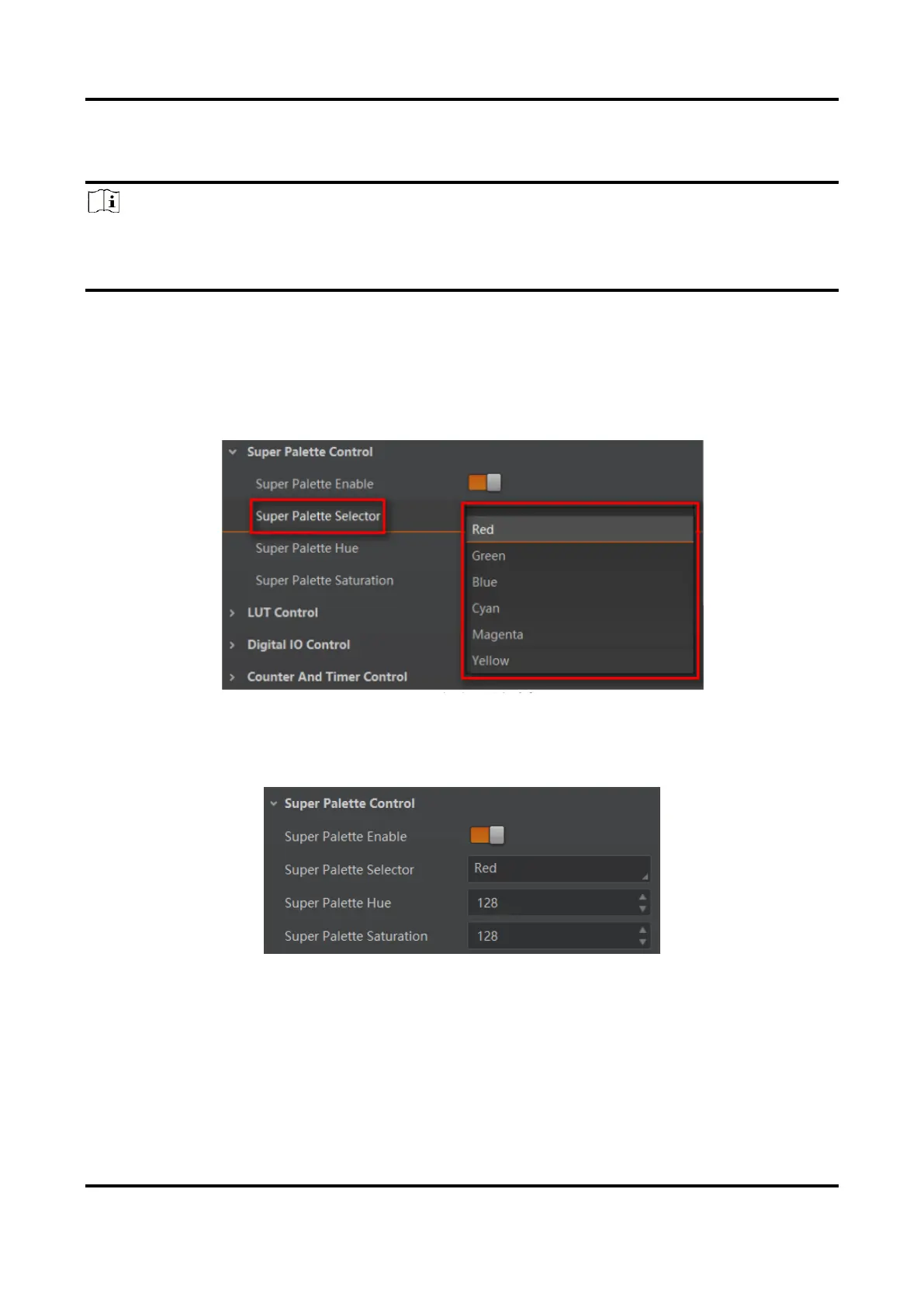
The super palette control function allows you to select different color areas in the image to
set customized hue and saturation values.
Steps
1. Go to Super Palette Control, and enable Super Palette Enable.
2. Select Super Palette Selector.
Figure 11-50 Super Palette Selector
3. Set corresponding Super Palette Hue and Super Palette Saturation according to actual
demands.
Figure 11-51 Set Super Palette Control



 To Next Page