GigE Area Scan Camera User Manual
57
The device supports test pattern function. When there is exception in real-time image, you
can check whether image of test mode have similar problem to determine the reason. This
function is disabled by default, and at this point, the outputted image by the device is
real-time image. If this function is enabled, the outputted image by the device is test
image.
Go to Image Format Control → Test Pattern Generator Selector → Test Pattern, and set
Test Pattern according to actual demands.
Figure 11-14 Set Test Pattern
The mono device offers 5 test patterns, including Mono Bar, Checkboard, Oblique Mono
Bar, Gradual Mono Bar, and Test Image 1.
The color device offers 7 test patterns, including Mono Bar, Checkboard, Oblique Mono
Bar, Gradual Mono Bar, Vertical Color Bar, Horizontal Color Bar, and Test Image 1.
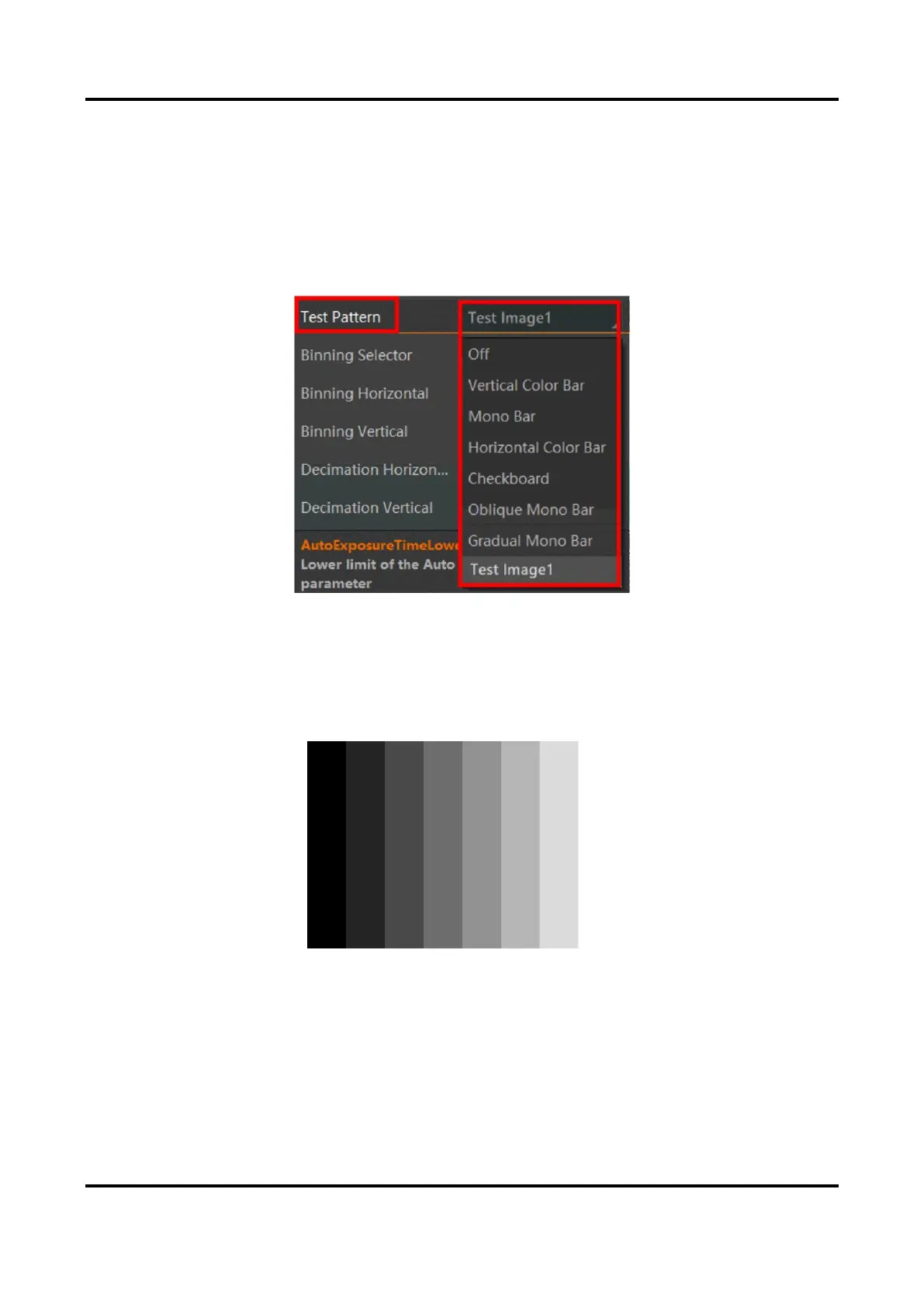
Figure 11-15 Mono Bar Test Pattern



 To Next Page