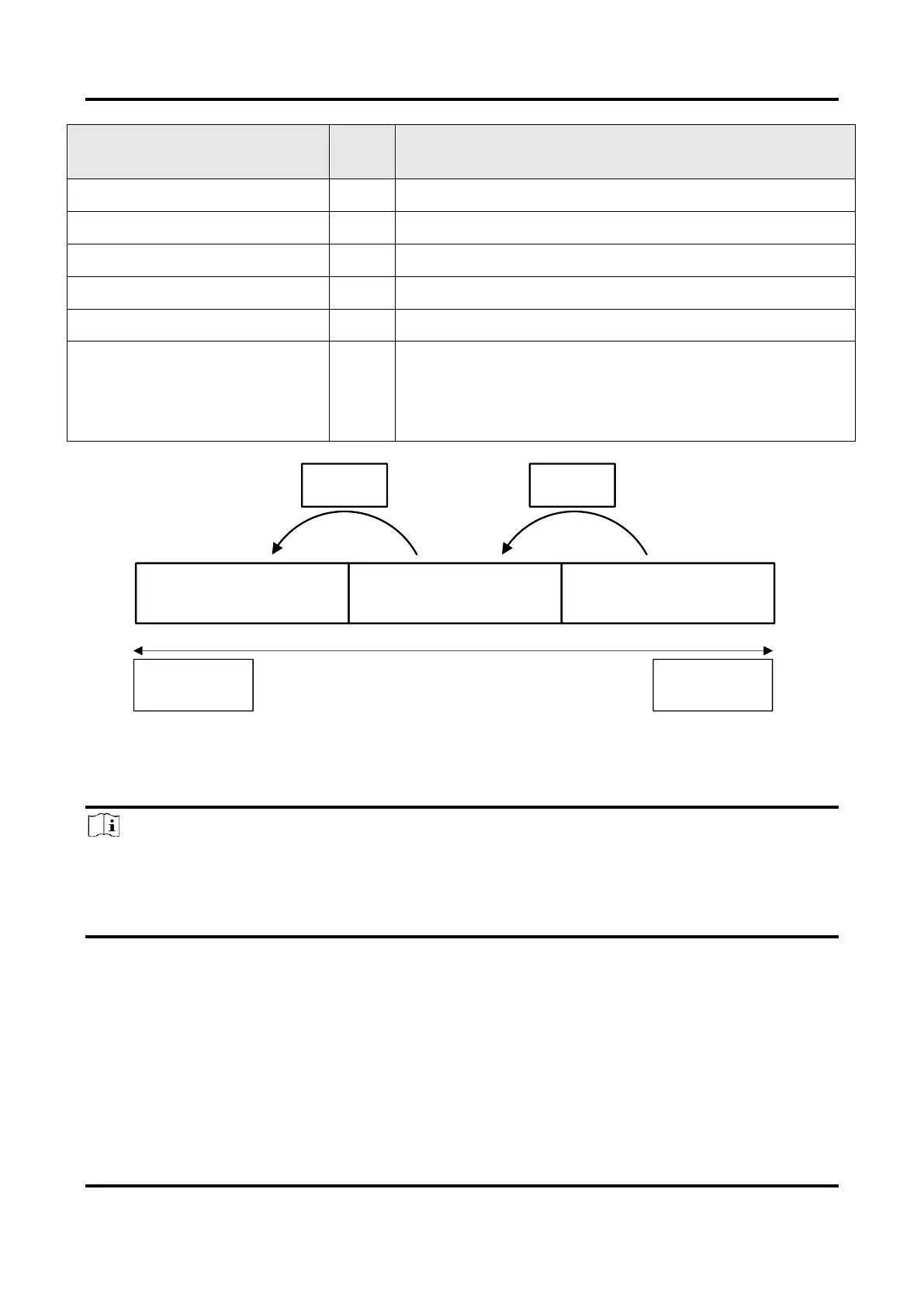
The starting coordinates occupy two bytes each with
the column coordinates at the front and the row
coordinates at the back. The length and width
coordinates each occupy two bytes.
Figure 12-1 Data Format of Timestamp
There are two ways to embed information into the image, including watermark function
and Chunk function.
Note
●
Watermark function is not available if the device enables image compression mode.
●
The Chunk function may differ by device models.
●
The device uses Chunk function in priority if it supports both watermark and Chunk
function.
Watermark Settings
Steps
1. Go to Image Format Control → Embedded Image Info Selector, and select Embedded
Image Info Selector according to actual demands.



 To Next Page