OPERATING INSTRUCTIONS
7.34
ThinPrep™ 5000 Processor with AutoLoader Operator’s Manual
Press the
Stop Processing
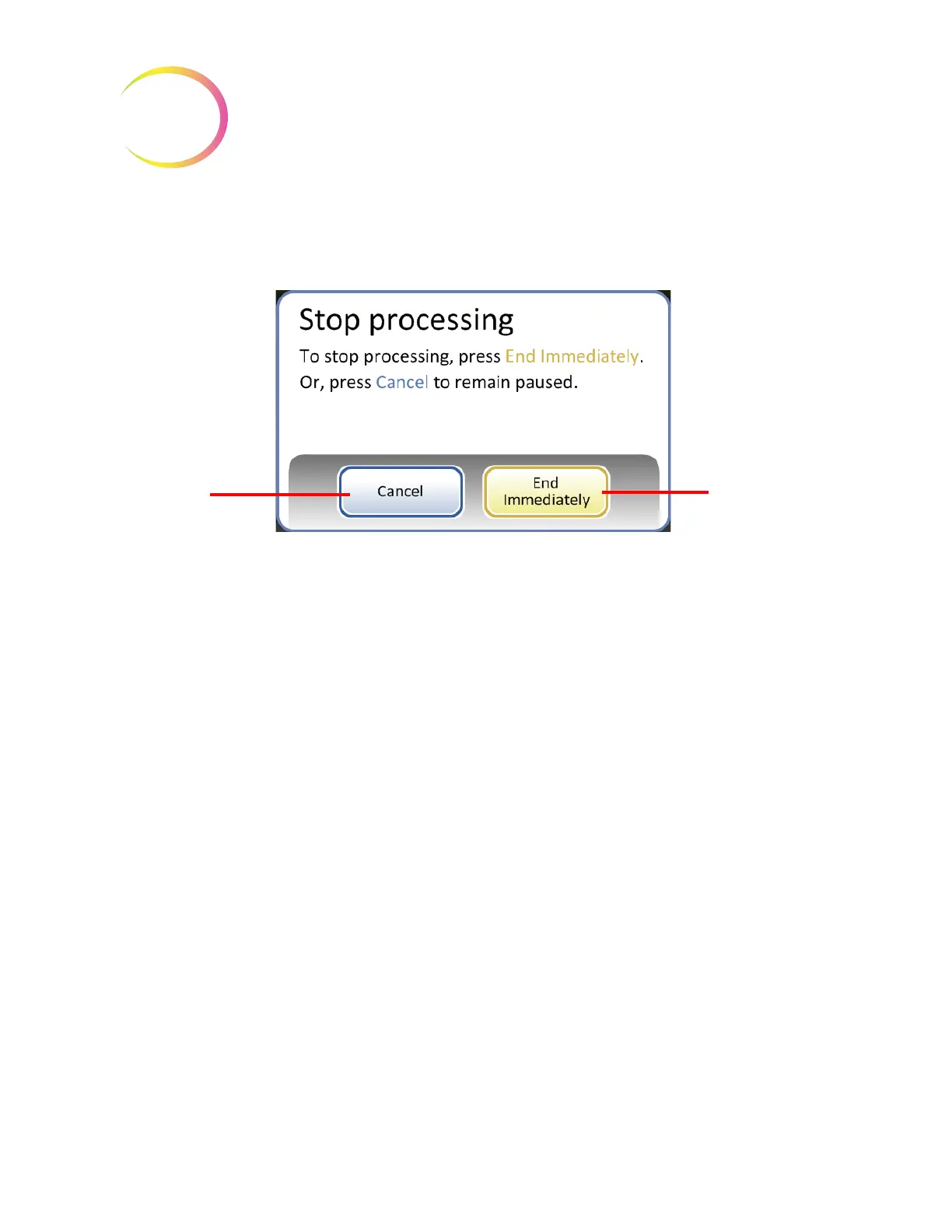
button to end further processing for that batch. A confirmation screen will
appear (Figure 7-34.)
Figure 7-34 Stop Processing Screen
Press the
Cancel
button to return to the processing paused screen.
Press the
End Immediately
button to end the batch now. The Batch Complete screen will display.
Refer to the next section.
Processing Complete
When a batch has completed processing, the processor returns to an idle state, with a Processing
Complete message on the screen. See Figure 7-35. The doors unlock. If an alarm sound has been set
for batch completion, it will sound briefly.
Press the
OK
button to acknowledge the Processing Complete message and view the Processing
Complete screen.
Cancel
button to
return to process-
ing paused
screen
End Immediately
button to end the
batch now
SMALL BATCH MODE



 To Next Page