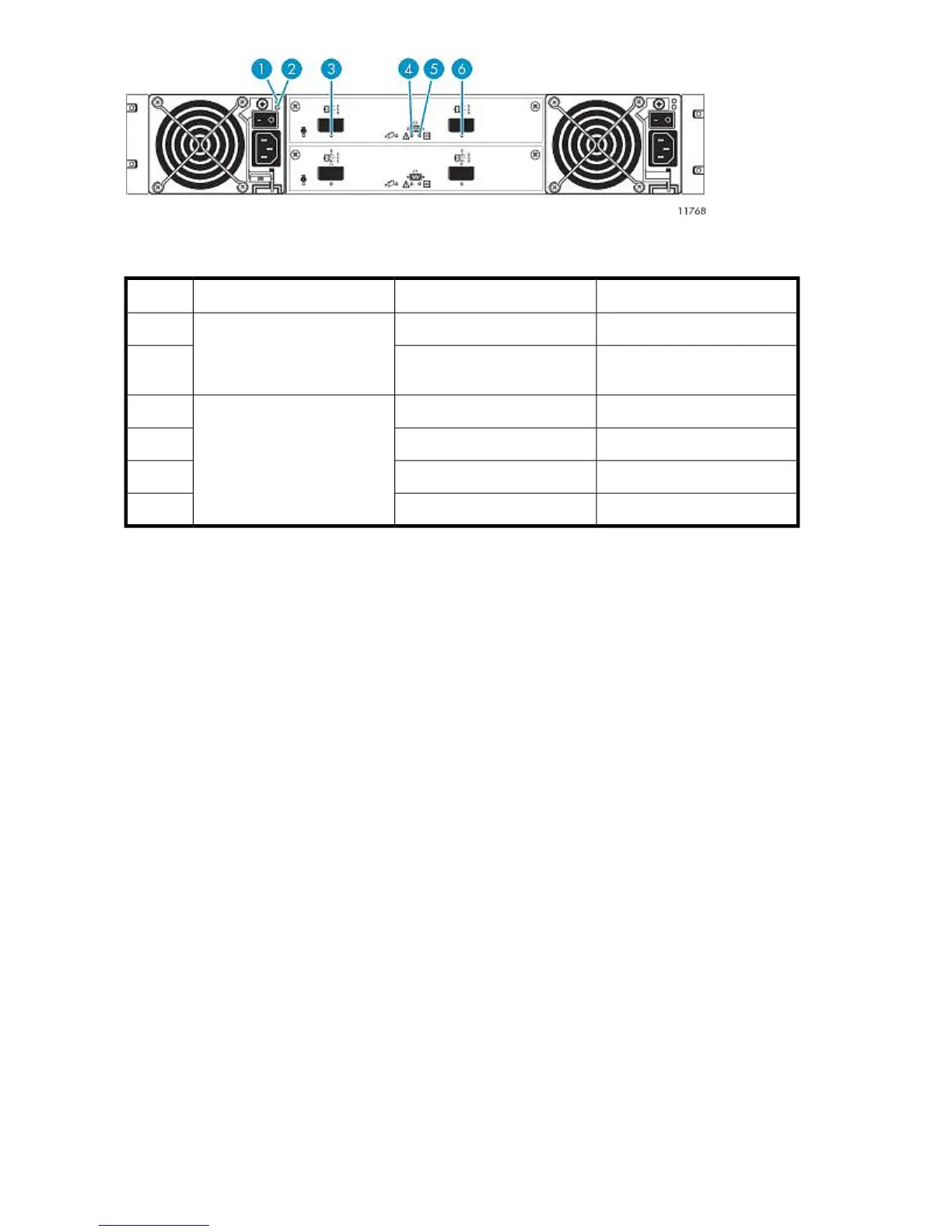
Figure 40 Expansion disk array rear panel LED status during normal operation
.
LED stateLEDLocationItem
OnAC power good (green)
Power module
1
Off
DC-Fan Fault/Service Required
(yellow)
2
OnSAS In port status (green)
Expansion controller
3
OffFault/Service Required (yellow)4
OnPower On/OK (green)5
OnSAS Out port status (green)6
Powering on the VLS9000–series System
To power on the VLS9000 system:
1. Power on the two private LAN switches connected to the VLS. (VLS9000 7.5 TB and 10 TB systems
only include one LAN switch.)
2. Power on the two private Fibre Channel switches connected to the VLS. (VLS9000 7.5 TB and
10 TB systems do not include Fibre Channel switches.)
3. Power on all arrays in the VLS. See “Powering on VLS9000 Arrays” on page 133.
4. Press the Power On/Standby button on all the secondary nodes.
5. After the secondary nodes are powering up, press the primary node's Power On/Standby button.
Operation136










 To Next Page