StatusDescriptionItem
Green = Data is being transmitted or received over the Ethernet connection.
Off = No data being transmitted or received.
Ethernet port activity
LED
5
Green = Ethernet connection has been established.
Off = No connection.
Ethernet port link
status LED
6
Green = A device is logged in to the port.
Flashing green (constant 1 Hz) = A device is logging in to the port.
Flashing green (constant 2 Hz) = The port is down, offline, or an error has
occurred.
Port logged-In LED7
Green = Data is passing through the port. Each frame that the port transmits
or receives causes LED to illuminate for 50 milliseconds.
Port activity LED8
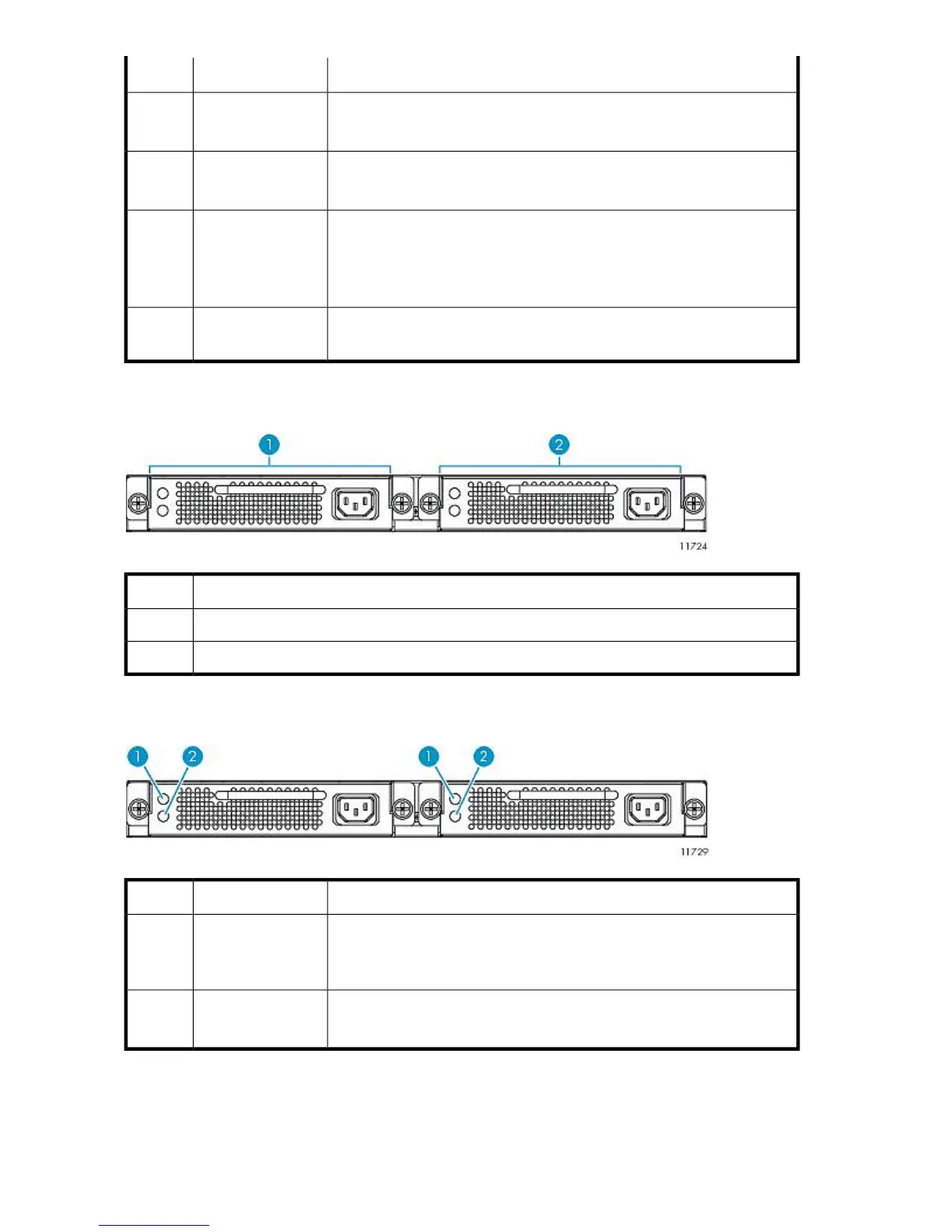
Rear Panel Components
DescriptionItem
Power supply 01
Power supply 12
Rear Panel LEDs and Buttons
StatusDescriptionItem
Green = Power supply is receiving AC voltage and producing the proper
DC voltages.
Off = Power supply is not receiving AC voltage.
Power supply status
LED
1
Amber = Power supply fault exists and requires attention.
Off = Power supply is operating normally.
Power supply fault
LED
2
Component Identification240










 To Next Page