5. Verify the network settings have been changed by entering:
showConfig
Setting the Network Settings using Command View VLS
To set the network settings using Command View VLS, set either the:
• DHCP usage and host name, or
• Fully qualified host name (or host name and DNS domain name separately), DNS server address,
IP address, gateway, and netmask
To set the network settings using Command View VLS:
1. Open a Command View VLS session and log in as the administrator. See
“Opening a Command View VLS Session from a Web Browser” on page 143.
2. On the System tab, select Chassis in the navigation tree.
3. Select Set Network Configuration under Maintenance Tasks.
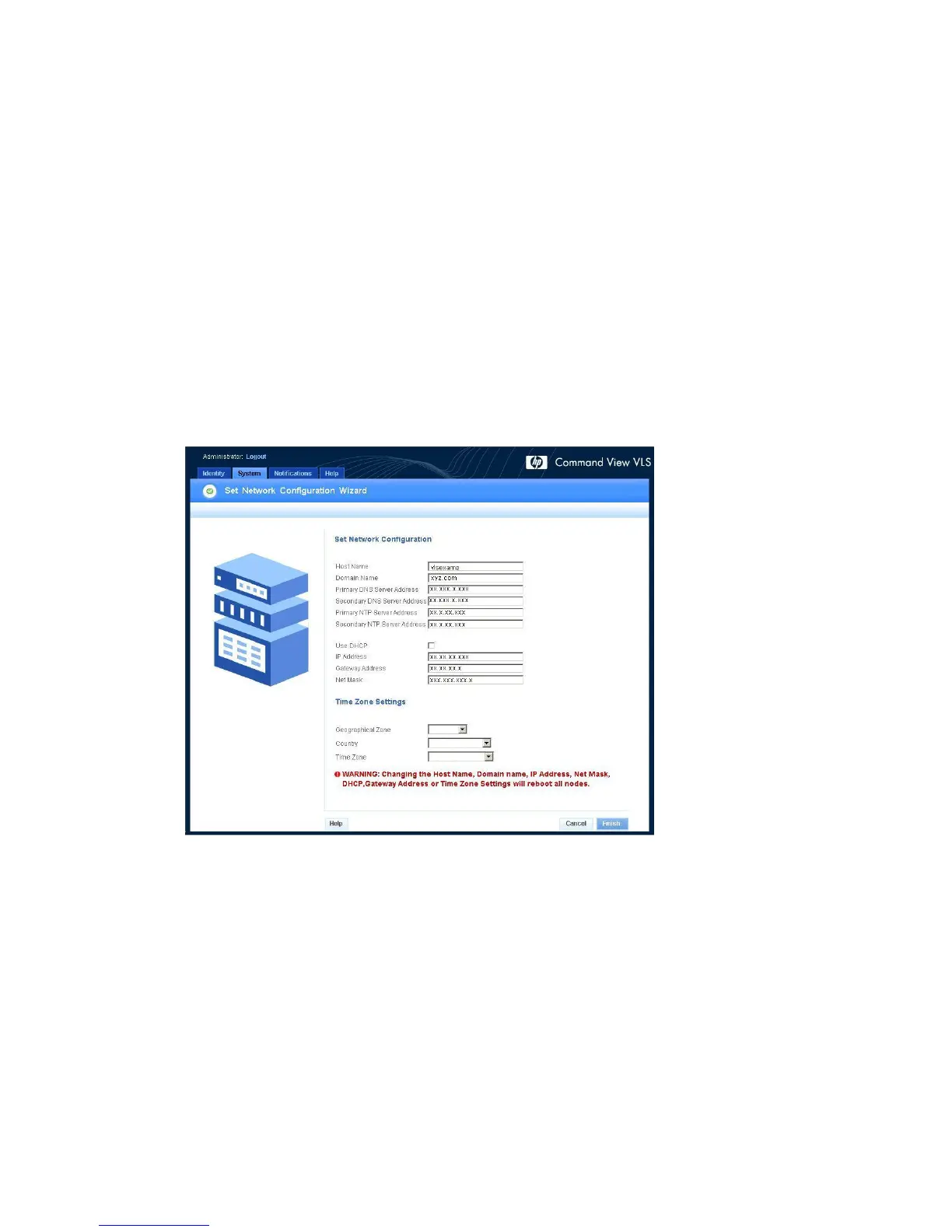
4. Current network configuration, NTP settings, and time zone settings are displayed. Modify these
as needed (Figure 44).
Figure 44 Set Network Configuration Wizard window
.
HP StorageWorks 153










 To Next Page