3. Select Cartridges in the navigation tree.
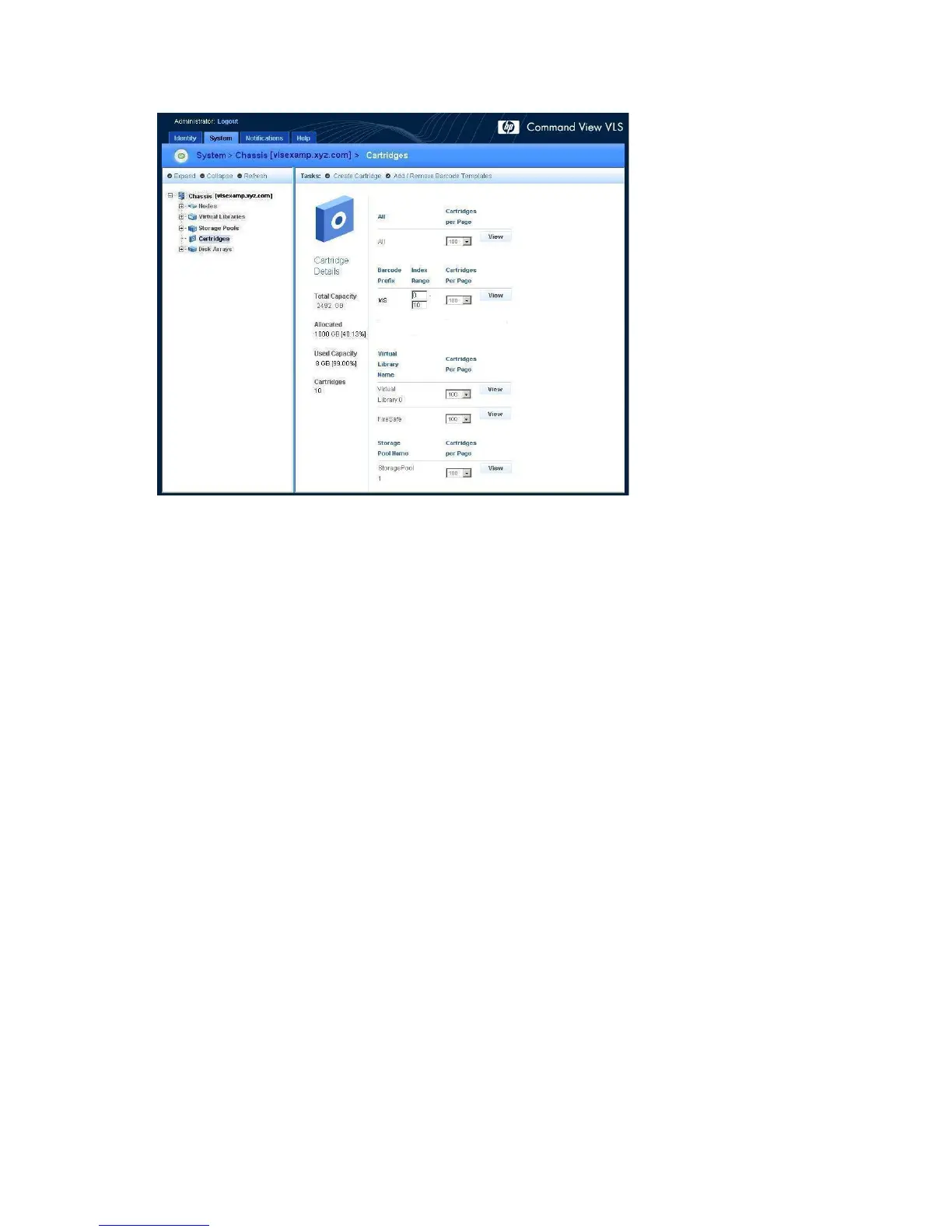
The cartridges details window opens (Figure 59).
Figure 59 Cartridges details window
.
4. Select the number of cartridges to display from the pull-down box beside the group of cartridges
you wish to destroy. Options are 10, 50, 100 (default), 500, or 1024 cartridges.
Configuration178










 To Next Page