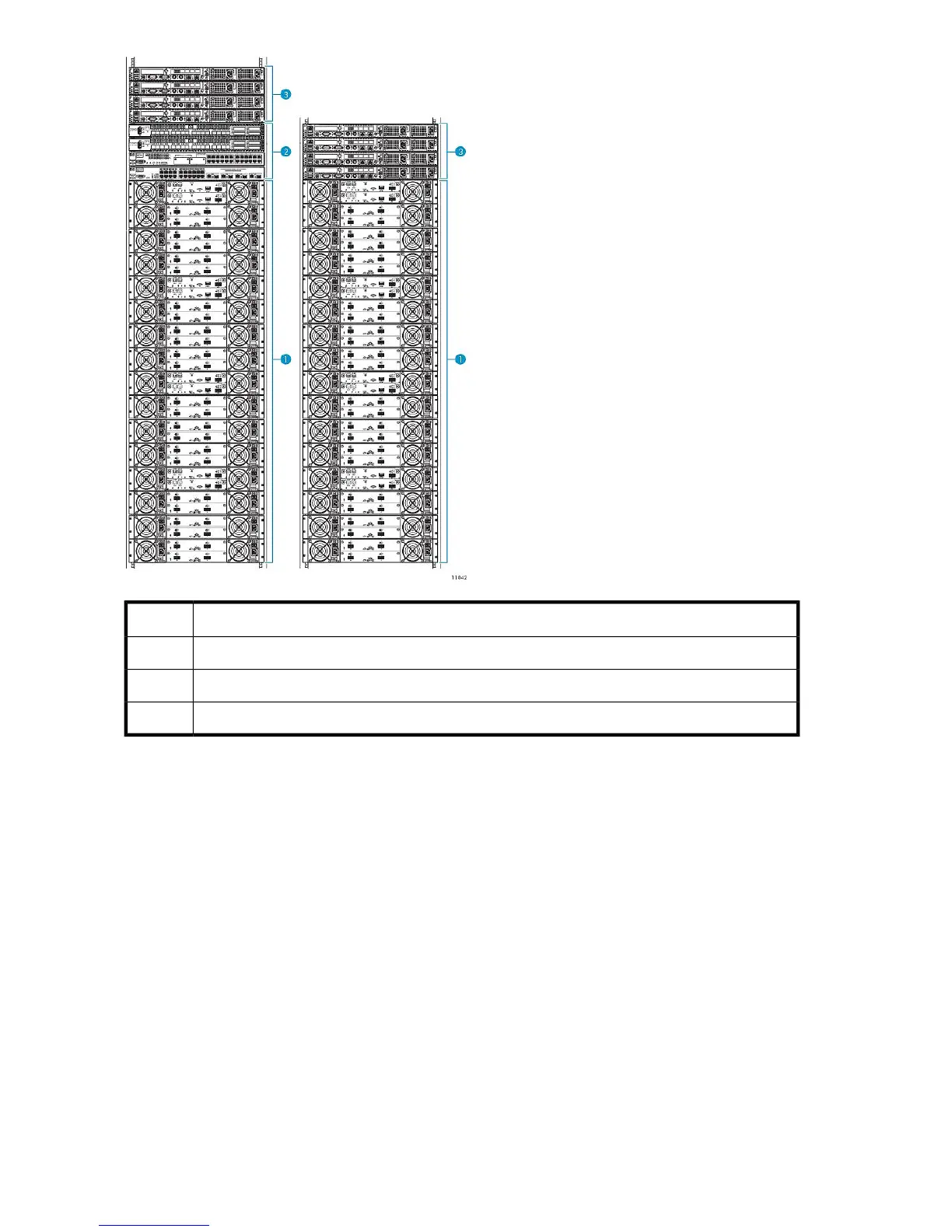
DescriptionItem
VLS9000-series disk arrays1
VLS9000-series Ethernet switch or connectivity kit (32-port kit shown)2
VLS9000-series nodes3
Figure 7 VLS9000-series two-rack configuration
.
The VLS9000-series is a scalable storage solution. For more information on VLS9000-series
configuration options, see VLS9000-series Components.
Whether you are installing one rack or multiple racks of VLS9000-series equipment, the rack mounting
order is essentially the same. See Figure 7 and Installing the VLS Node into a Rack.
Use the following information to understand rack mounting VLS9000-series equipment:
• Depending on the configuration, a VLS9000–series device requires between one and four racks.
If available, install racks two through four next to the first rack. See Figure 8.
Hardware Installation30










 To Next Page