StatusDescriptionItem
Green = Ethernet connection has been established.
Off = No connection.
Ethernet port link
status LED
7
Green = Data is being transmitted or received over the Ethernet connection.
Off = No data being transmitted or received.
Ethernet port activity
LED
8
Heartbeat LED Blink Patterns
The Heartbeat LED indicates the operational status of the switch. When the POST completes with no
errors, the Heartbeat LED blinks at steady rate of once per second. When the switch is in maintenance
mode, the Heartbeat LED illuminates continuously. All other blink patterns indicate critical errors. In
addition to producing a Heartbeat error blink patterns, a critical error also illuminates the System
Fault LED. The Heartbeat LED shows an error blink pattern for the following conditions:
• 2 blinks - Internal Firmware Failure Blink Pattern
• 3 blinks - System Error Blink Pattern
• 4 blinks - Configuration File System Error Blink Pattern
• 5 blinks - Over Temperature Blink Pattern
Internal Firmware Failure Blink Pattern—An internal firmware failure blink pattern is 2 blinks followed
by a two second pause. The 2-blink error pattern indicates that the firmware has failed, and that the
switch must be reset. Momentarily press and release the Maintenance button to reset the switch.
System Error Blink Pattern—A system error blink pattern is 3 blinks followed by a two second pause.
The 3-blink error pattern indicates that a POST failure or a system error has left the switch inoperable.
If a system error occurs, contact HP support. Momentarily press and release the Maintenance button
to reset the switch.
Configuration File System Error Blink Pattern—A configuration file system error blink pattern is 4 blinks
followed by a two second pause. The 4-blink error pattern indicates that a configuration file system
error has occurred. Contact HP support.
Over temperature blink pattern—An over temperature blink pattern is 5 blinks followed by a two
second pause. The 5-blink error pattern indicates that the air temperature inside the switch has
exceeded the failure temperature threshold. The failure temperature threshold is 70° C.
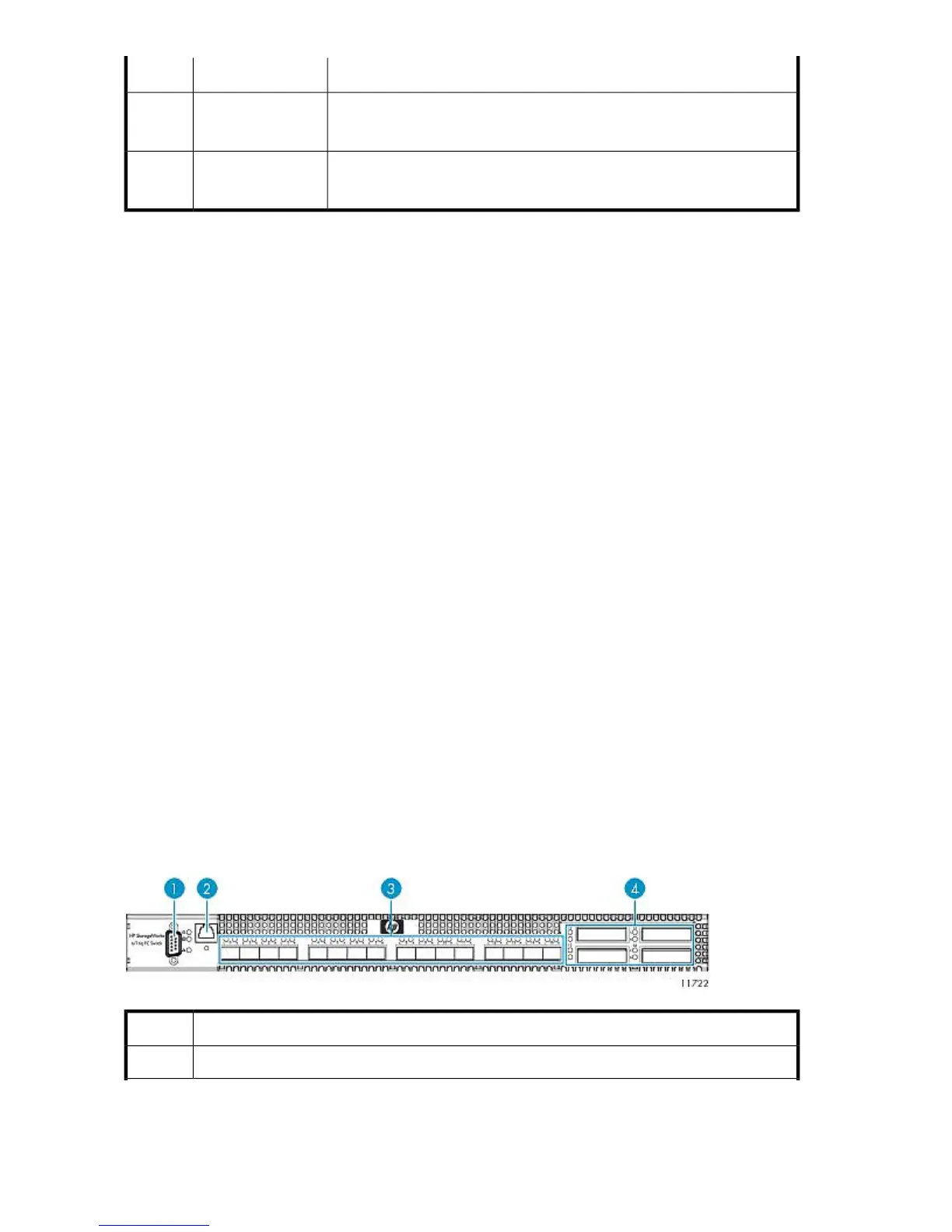
Fibre Channel Switch 4/16q Components, LEDs, and Buttons
Front Panel Components
DescriptionItem
Serial port (not used)1
Component Identification238










 To Next Page