5. Click Finish to apply the settings.
NOTE:
The system automatically reboots after any change.
NOTE:
If you need to clear the DNS completely, clear the Use DHCP checkbox and enter 0.0.0.0
for both the primary and secondary DNS server addresses.
Setting the User Preferences
Setting the user preferences allows you to:
• Set the frequency at which the system state is checked and the browser is refreshed
• Add the VLS administrator's name, company, mail, and phone number, and the VLS location to
the Identity tab window
• Set the maximum number of notification alerts to store
To set the user preferences:
1. Open a Command View VLS session and log in as the administrator. See
“Opening a Command View VLS Session from a Web Browser” on page 143.
2. From the System tab, select Chassis in the navigation tree.
3. Click User Preferences under Maintenance Tasks.
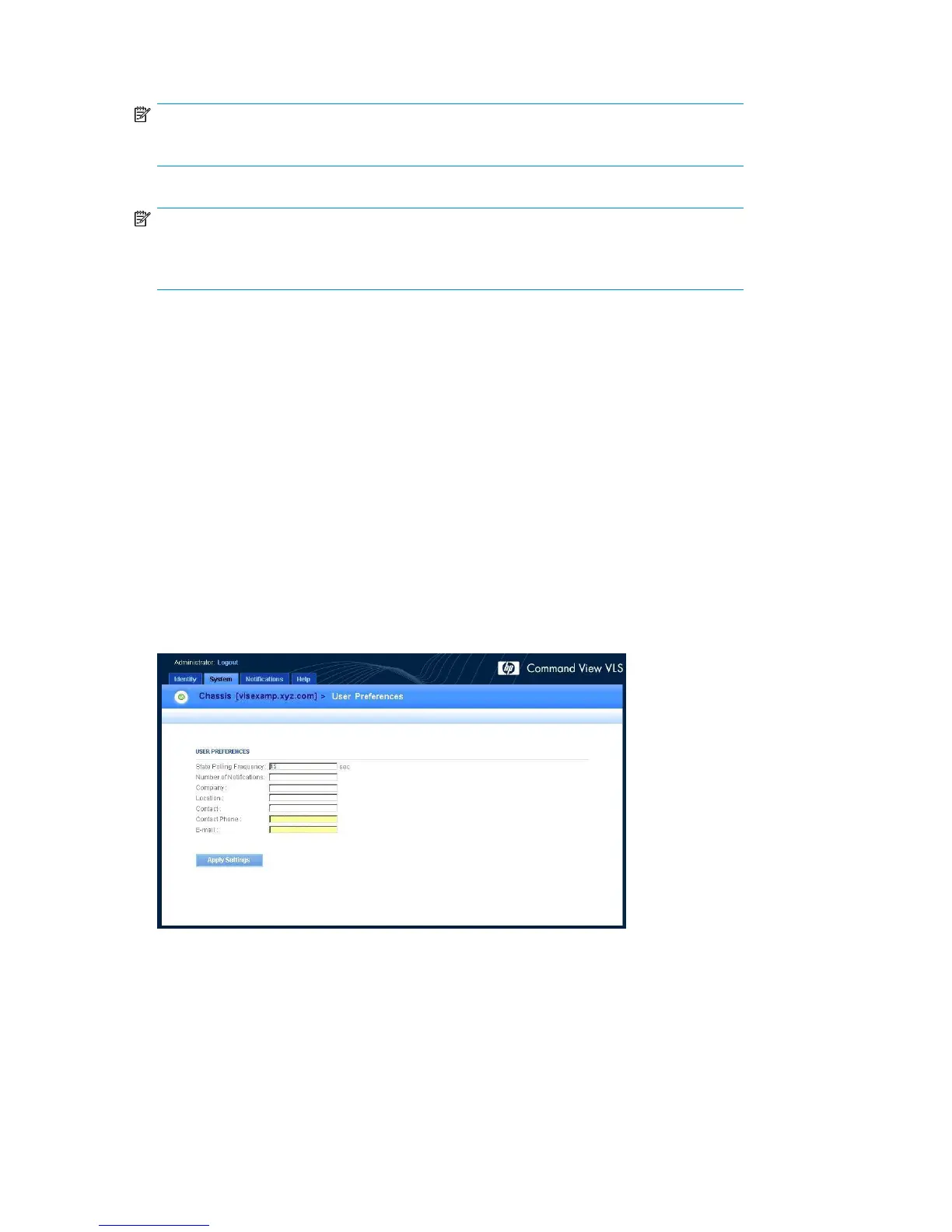
The User Preferences window opens (Figure 45).
Figure 45 User Preferences window
.
4. Enter a value (in seconds) in the State Polling Frequency box.
The default state polling frequency is 15 seconds.
5. Enter the appropriate numeric value in the Number of Notifications box.
6. Enter the company name in the Company box.
Configuration154










 To Next Page