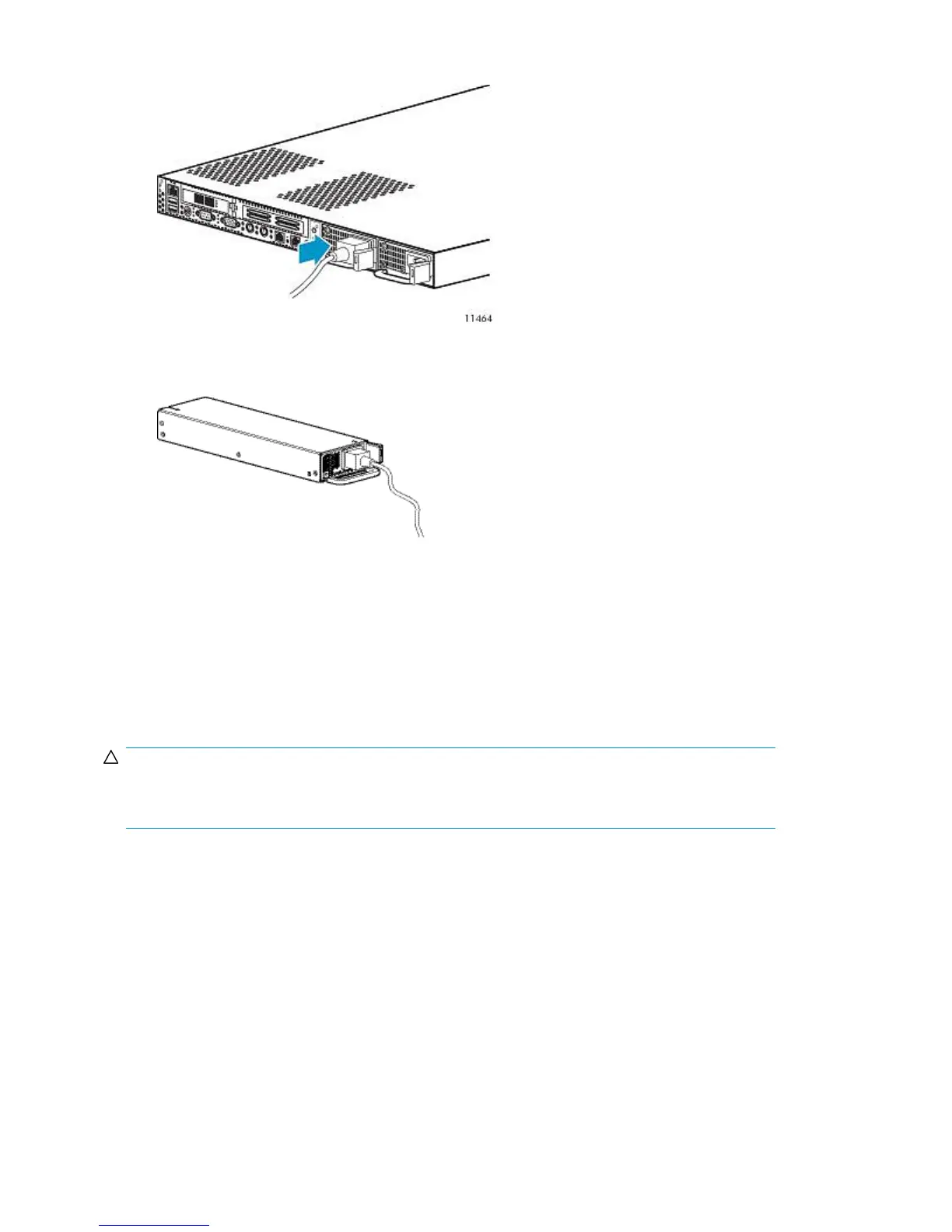
2. Slide the power supply into the bay until it clicks.
Figure 78 Installing a node power supply
.
3. Use the strain relief clip to secure the power cord.
Figure 79 Placing the power cord in the strain relief clip
.
4. Connect the power cord to the power supply.
5. Be sure that the power supply LED is green.
6. Be sure that the front panel external health LED is green.
Fan Module
CAUTION:
Do not operate the node for long periods without the access panel. Operating the node without the
access panel results in improper airflow and improper cooling that can lead to thermal damage.
1. Power off the node.
2. Extend or remove the node from the rack. See Extending the Node from the Rack or Removing
the Node from the Rack.
3. Remove the access panel.
Component Replacement260










 To Next Page