StatusDescriptionItem
Displays network activity information, or whether the port is configured for
Full Duplex operation, or maximum link speed operation, or is experiencing
network events requiring operator intervention depending on the mode
selected.
• If the Activity (Act) indicator LED is lit, each Mode LED displays activity
information for the associated port—it flickers as network traffic is received
and transmitted through the port.
• If the Full Duplex (FDx) indicator LED is lit, the Mode LEDs light for those
ports that are operating in full duplex.
• If the maximum speed (Max) indicator LED is lit, the Mode LEDs light for
those ports that are operating at their maximum possible link speed: 100
Mbps for 10/100 ports and 100-FX fiber-optic ports, and 1000 Mbps
for 100/1000Base-T or gigabit fiber-optic ports.
• If the attention (!) indicator LED is lit, each Mode LED lights briefly for
each network event that could require operator attention, for example,
late collisions or CRC errors.
Mode LED9, 11
1
The blinking behavior is an on/off cycle once every 1.6 seconds, approximately.
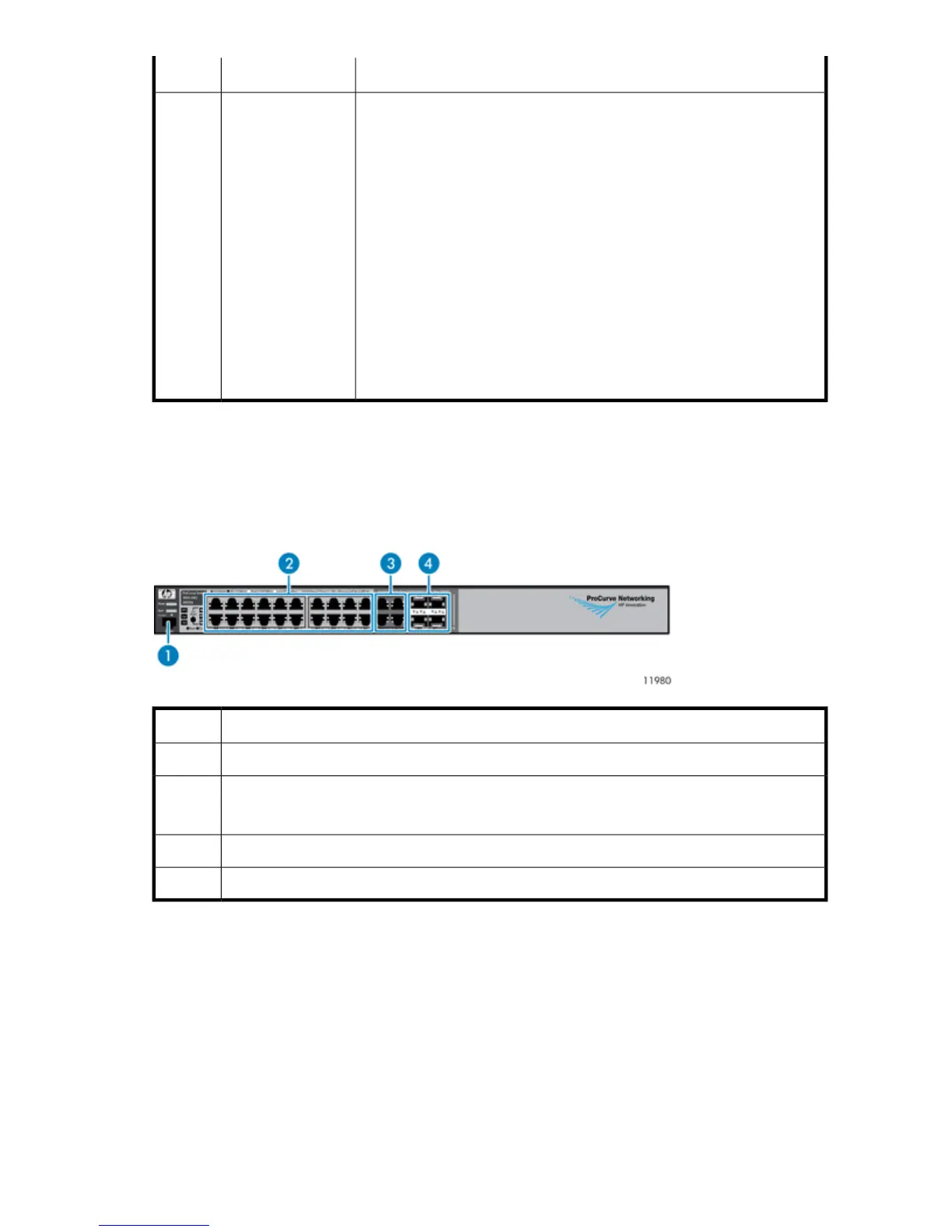
Ethernet Switch 2810–24G Components, LEDs, and Buttons
Front Panel Components
DescriptionItem
Console port1
10/100/1000Base-T RJ-45 ports 1 through 20
(numbered from top to bottom, left to right)
2
10/100/1000–T dual-personality ports 21 through 243
10/100/1000 mini-GBIC dual-personality ports 21 through 244
HP StorageWorks 243










 To Next Page