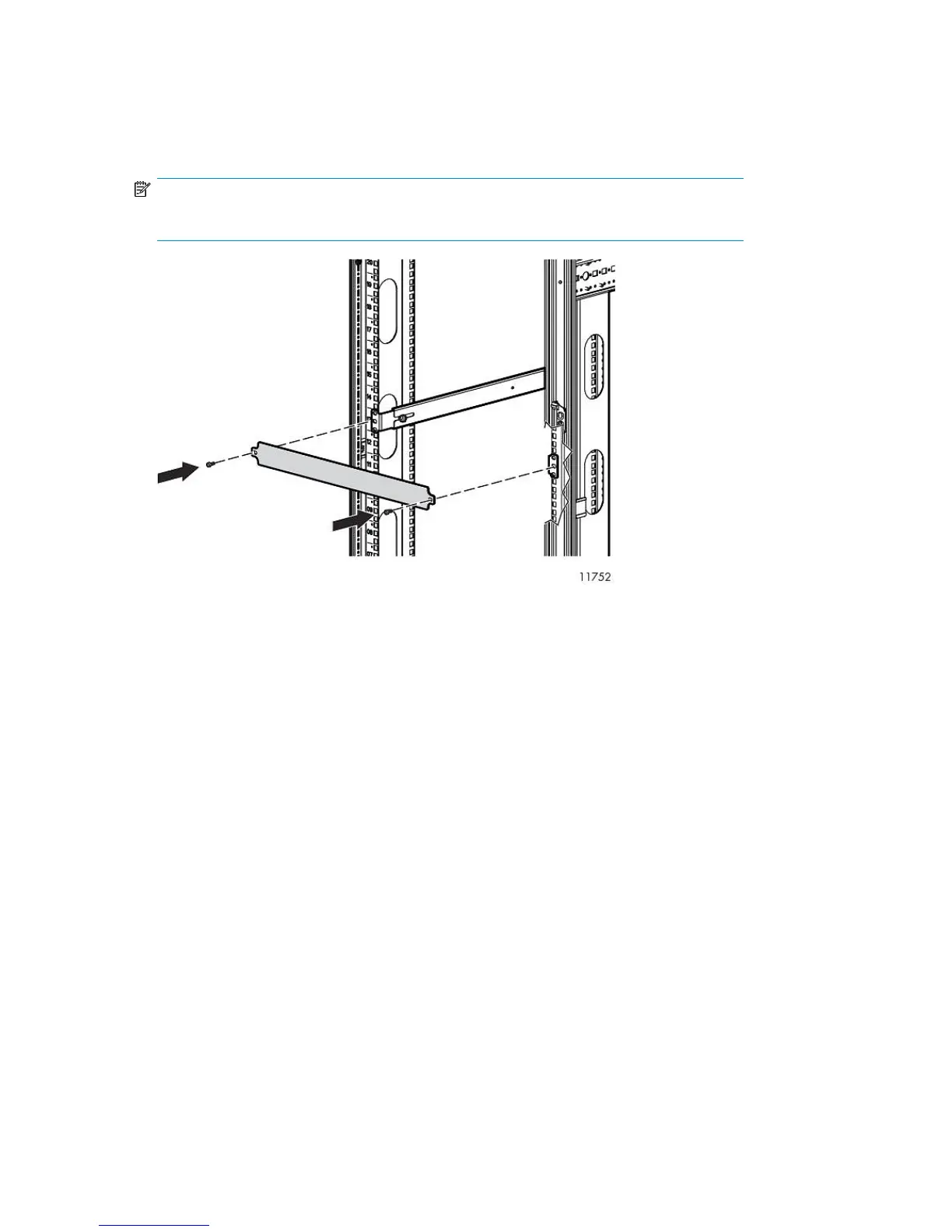
5. Attach two 1U cover plates to the front of the rack.
Attach one 1U cover plate in front of each Fibre Channel Switch 4/16q.
Attach one in front of the Fibre Channel Switches 4/10q and one over the blank space above
the Fibre Channel Switches 4/10q.
NOTE:
With Fibre Channel Switch 4/10q, a blank space is reserved for future expansion.
6. Plug the AC power cords into an AC power source.
Route one cord to a PDM mounted on the right vertical post, and the other to a PDM on the left
vertical post.
Installing the 1 Gb Ethernet Switch 2810–24G into a Rack
Installing the switch into the rack involves installing the cage nuts and rail flanges, attaching the rails
to the switch, and installing the switch into the rack.
Hardware Installation46










 To Next Page