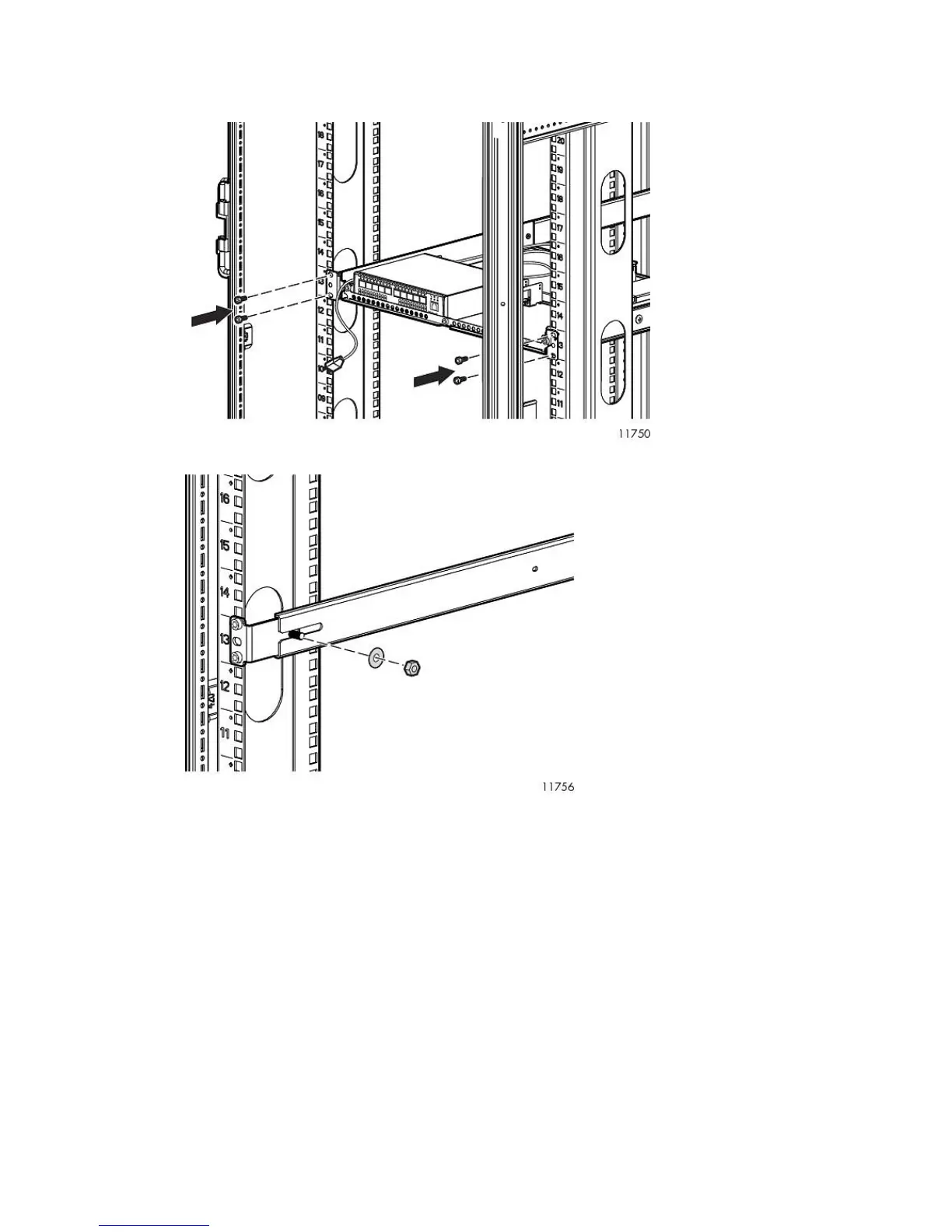
3. From the rear of the rack, slide the racking shelf assembly with Fibre Channel Switches 4/10q
or 4/16q into the rack, sliding the rail ends onto the adjustable mounting flanges already installed
in the front rack vertical posts.
4. When the rail flanges are flush with the rack vertical posts, secure them to the rack.
HP StorageWorks 45










 To Next Page