NOTE:
FBDIMMs do not seat fully if turned the wrong way.
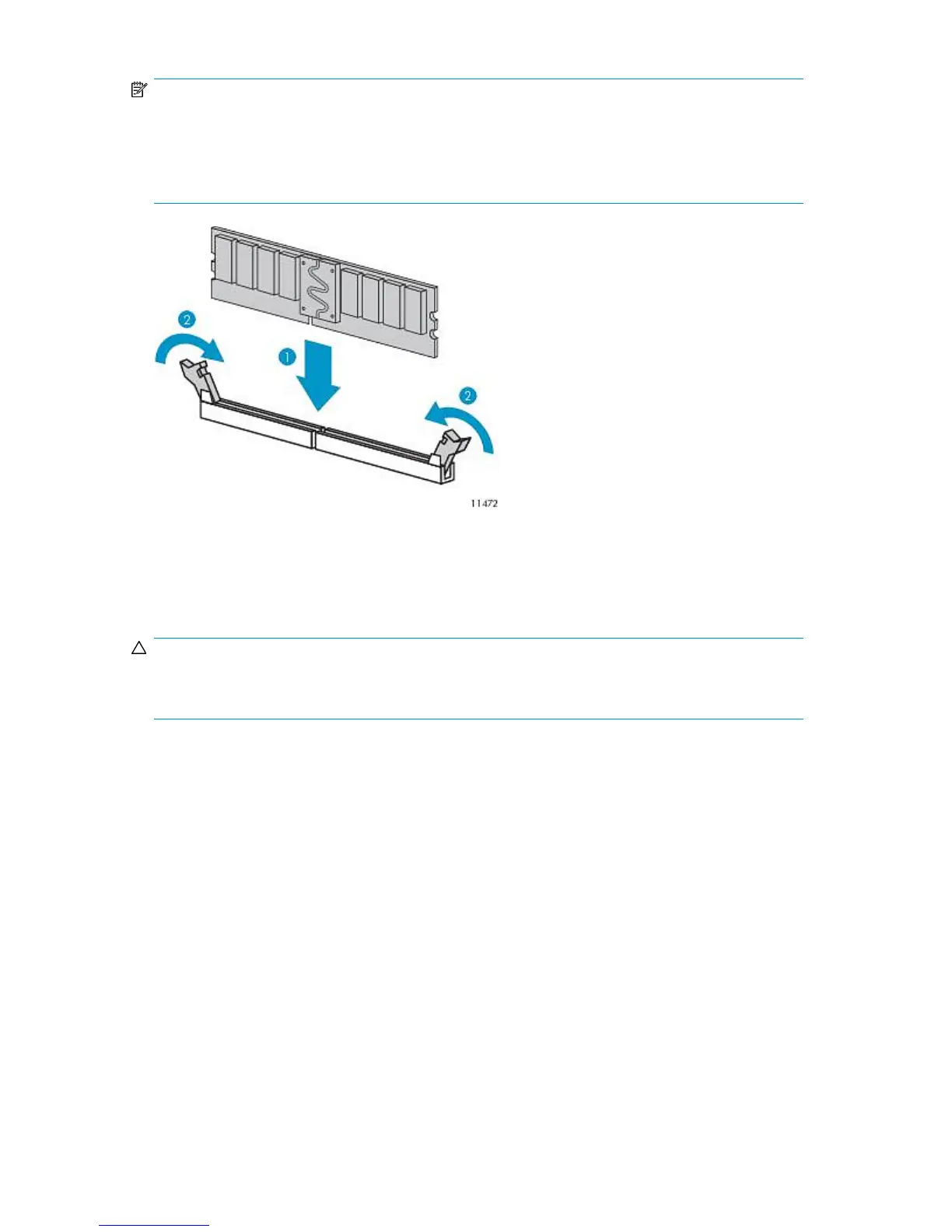
When replacing a FBDIMM, align the FBDIMM with the slot and insert the FBDIMM firmly (1), pressing
down until the FBDIMM snaps into place. When fully seated, the FBDIMM slot latches (2) lock into
place.
Figure 83 Installing the node FBDIMM
.
Replacing a Primary Node
CAUTION:
Each VLS9000 node weighs 17.9 kg (39.5 lb) full. At least two people are required to lift and move
each node.
To replace a primary node:
HP StorageWorks 263










 To Next Page