DescriptionItem
System battery16
PCI riser board connector 217
PCI riser board connector 118
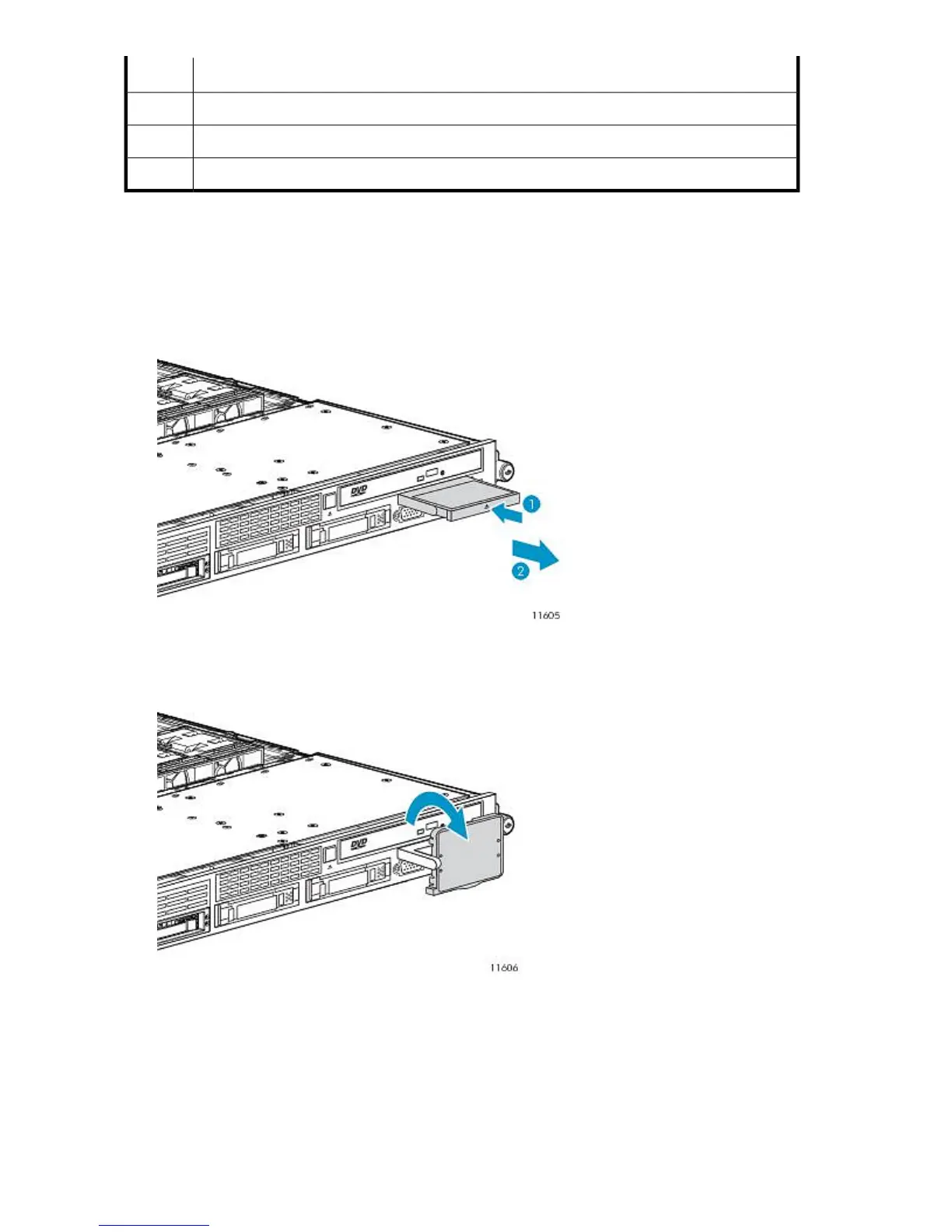
Accessing the HP Systems Insight Display
To eject the HP Systems Insight Display:
1. Press and release the display.
2. Extend the display from the chassis.
Figure 70 Extending the HP Systems Insight Display
.
The display can be rotated up to 90 degrees.
Figure 71 Rotating the HP Systems Insight Display
.
Component Identification232










 To Next Page