10 Management
This section details the VLS management procedures such as changing the account passwords,
managing high availability, and saving configuration settings.
Changing the Account Passwords
To change the administrator and/or user account password:
1. Open a Command View VLS session and log in as the administrator. See
“Opening a Command View VLS Session from a Web Browser” on page 143.
2. On the System tab, select Chassis from the navigation tree.
3. Click Edit Accounts under Maintenance Tasks.
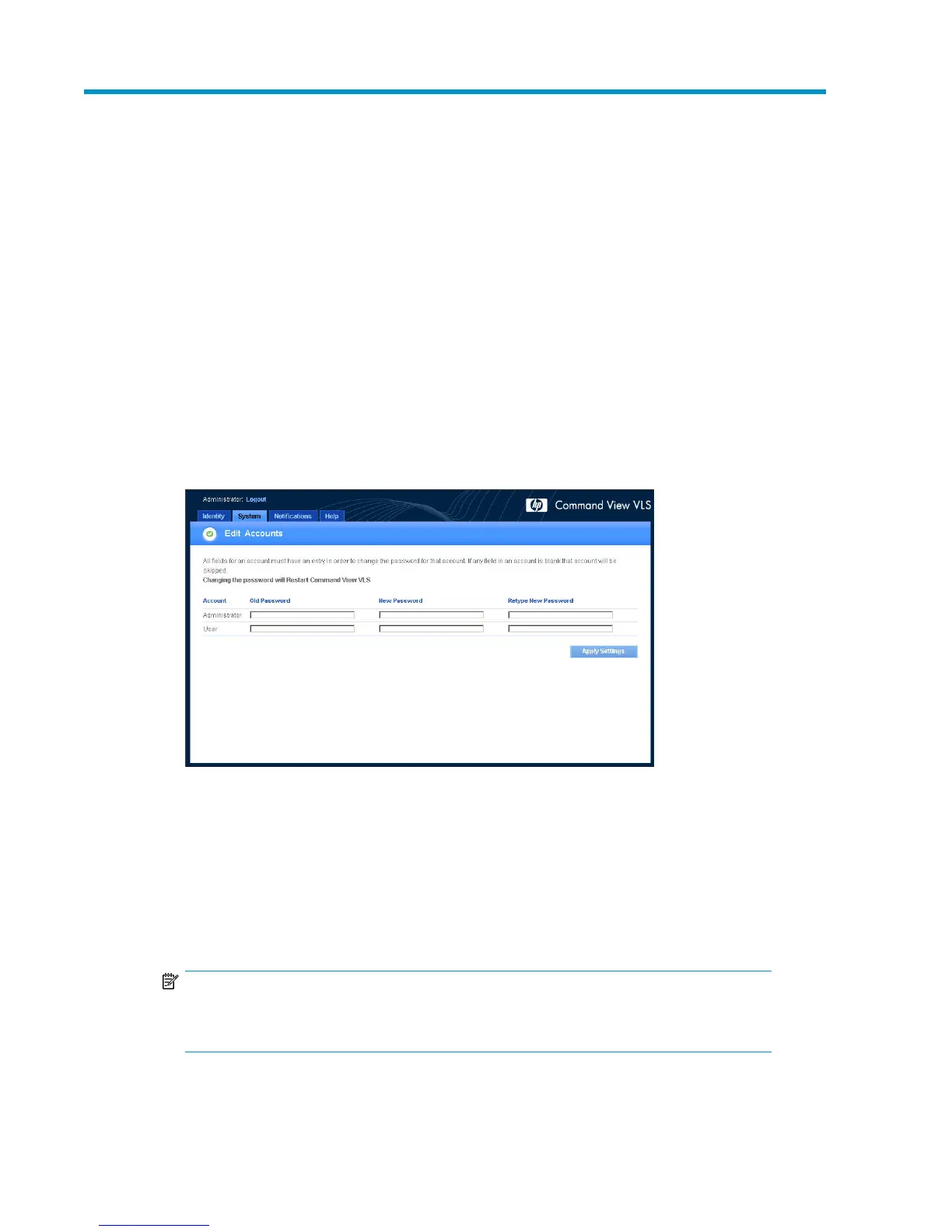
The Edit Accounts window opens (Figure 62).
Figure 62 Edit Accounts window
.
4. Enter the current password in the Old Password box. The password is case sensitive.
5. Enter a new password in the New Password box.
6. Enter the new password again in the Retype New Password box.
7. Click Apply Settings.
Command View VLS restarts automatically.
NOTE:
You can change the user or administrator account password separately, or change both at
the same time.
HP StorageWorks 181










 To Next Page