1. Remove the existing node from the rack:
a. Power off the system. See Powering Off the System.
b. From the back of the node, make a note of all cable connections then disconnect the cables.
c. From the front of the node, loosen the captive thumbscrews until the thumbscrews are free
of the rack.
d. Pull the node out from the rack until it stops.
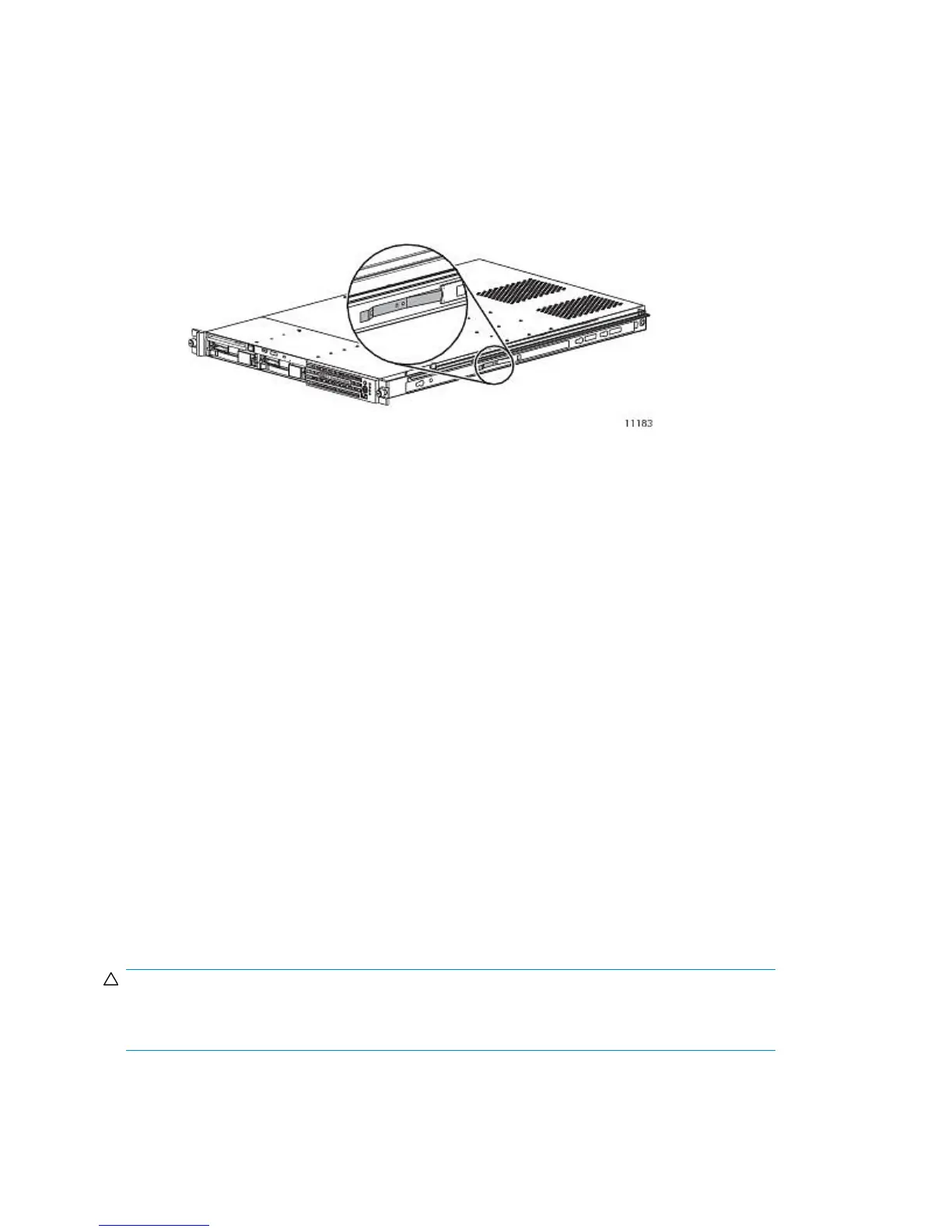
e. Squeeze the release brackets (see Figure 84), then pull the node free from the rails.
Figure 84 Rail release bracket
.
2. Install the new node into the rack. See Installing the VLS Node into a Rack.
3. Reconnect the cables to the new node exactly as they were connected to the previous node.
4. Configure the node:
a. On the primary node, connect to the serial port or use the keyboard and mouse ports to
connect to a console.
b. Power on the primary node.
After several minutes, a menu will appear on your monitor asking whether the node is a
primary (master, m) or secondary (slave, s) node.
c. Enter m. The node will then run cable checks and configuration checks.
d. After the checks are complete the node will reboot automatically. Wait for the primary node
to fully boot.
Rebooting is complete when you receive the “Initializing node#” and then “Initializing for
node# completed.” messages in the systems notifications (if you have DHCP enabled) of
Command View VLS or when you see the login prompt on the terminal.
5. If your system is running VLS firmware version 2.3.1, or version 3.2.2 or higher, the warm failover
feature will now automatically restore the original configuration and licenses. Otherwise, restore
the previously saved configuration; see Restoring the Configuration Settings.
Replacing a Secondary Node
CAUTION:
Each VLS9000 node weighs 17.9 kg (39.5 lb) full. At least two people are required to lift and move
each node.
To replace a secondary node:
Component Replacement264










 To Next Page