DescriptionItem
array 151
array 142
array 133
array 124
NOTE:
Install components starting at rack position 3, working toward the top of the rack. Starting at the
bottom distributes the weight correctly in the cabinet. Rack positions 1 and 2 are reserved for PDUs.
See Installing PDUs.
NOTE:
If you are installing the node into a telco rack, order the appropriate option kit at the RackSolutions.com
web site: http://www.racksolutions.com/hp. Follow the instructions on the web site to install the rack
brackets.
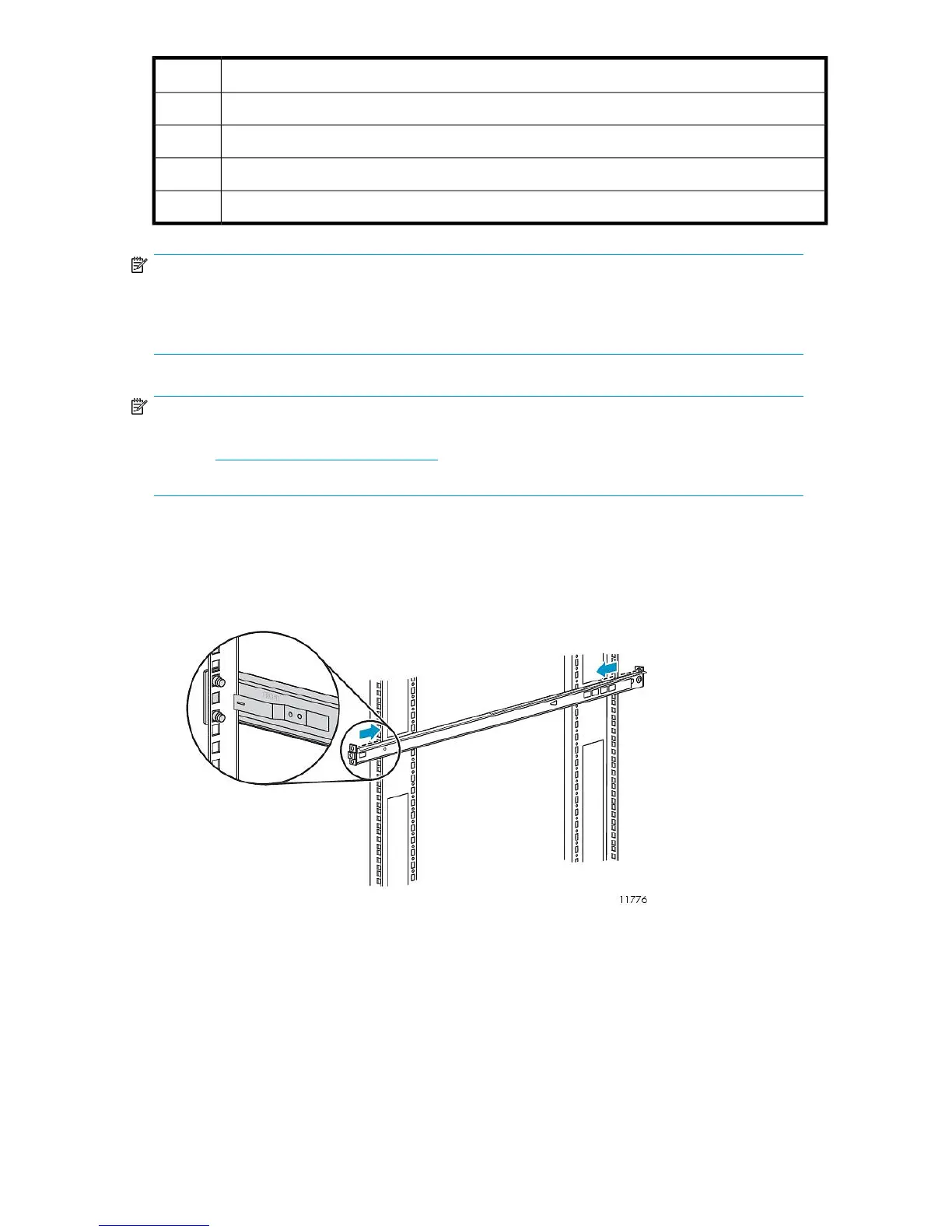
Install the node in the rack as follows:
1. Locate the rail kit — part number 360332–003.
Install the two outer slide rails to the rack. The outer rails are marked “FRONT” and “REAR.”
On both sides of the rack, align the rail holes with the holes in the rack and secure.
HP StorageWorks 41










 To Next Page