Copyright © Huawei Technologies Co., Ltd.
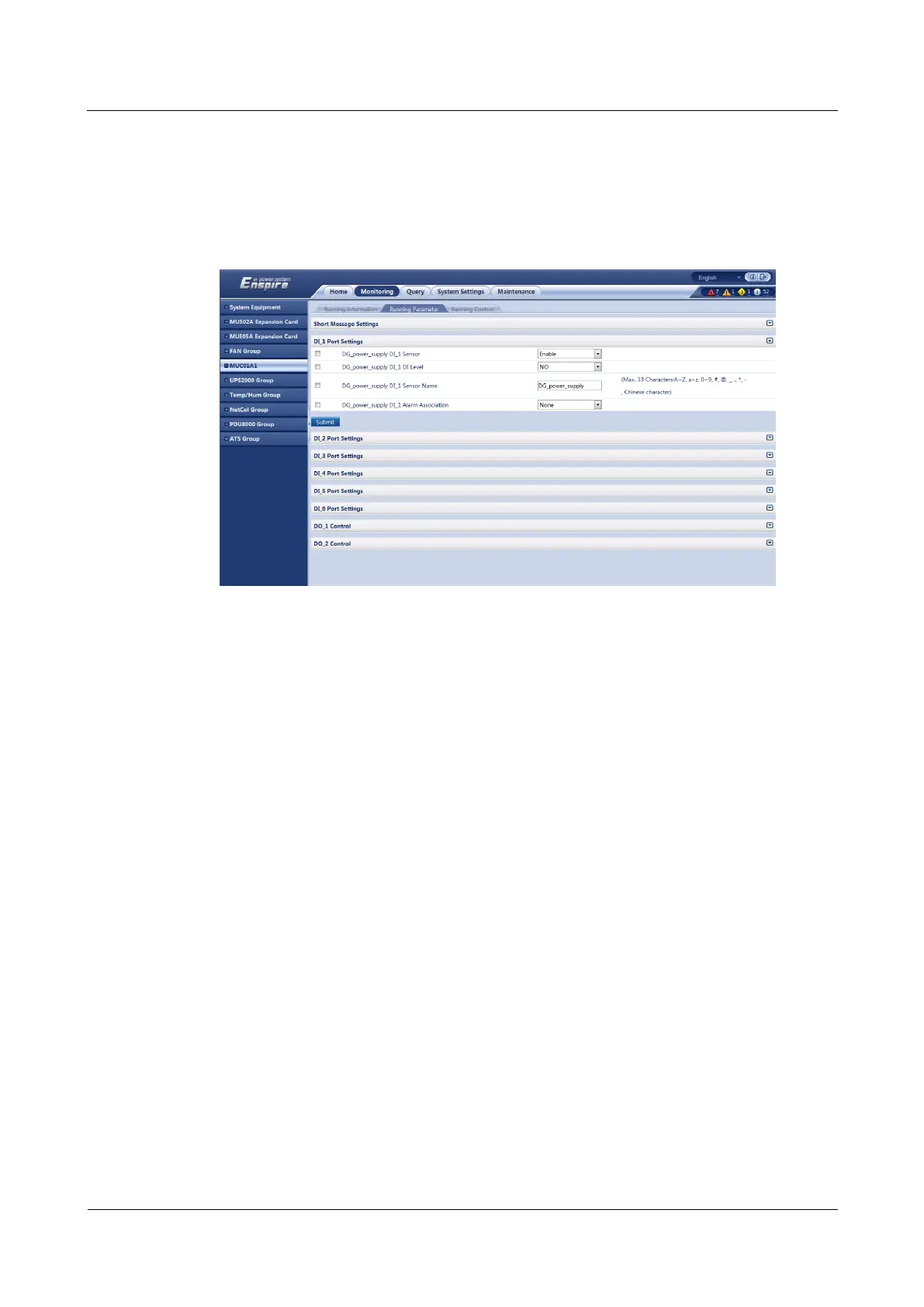
Step 5 Set DI_1 DI Level to NO.
Step 6 Set DI_1 Sensor Name, for example, to DG_power_supply.
Step 7 Click Submit. Figure 5-13 shows the configured page.
Figure 5-13 Adding a DG status monitoring device
Step 8 Choose Monitoring > MUC01A1 > Running Parameter > DI_2 Port Settings.
Step 9 Set DI_2 Sensor to Enable.
Step 10 Click Submit.
Step 11 Set DI_2 DI Level to NO.
Step 12 Set DI_2 Sensor Name, for example, to Mains_power_supply.
Step 13 Click Submit. Figure 5-14 shows the configured page.



 To Next Page