User Guide v 1.4 — September 2015 User Service
Altanium/Neo2 Display 97
Chapter 12 User Service
This chapter provides instructions for servicing the Altanium/Neo2 system, including the
following:
12.1 Altanium/Neo2 Display
The Altanium/Neo2 system is based around a modular concept. The two major components
are the Neo2 operator interface and the card cage which houses the
ICC
2
or ICC
3
(Intelligent
Control Cards).
• Replacing an ICC
2
or ICC
3
(Intelligent Control Card). Refer to Section 12.2.2.
• Replacing a blown fuse on an ICC
2
or ICC
3
(Intelligent Control
Card).
Refer to Section 12.2.3.
• Replacing a blown fuse on the display and internal cooling fan. Refer to Section 12.2.4.
• Replacing a Neo2 display. Refer to Section 12.3.
• Cleaning the system. Refer to Section 12.5.
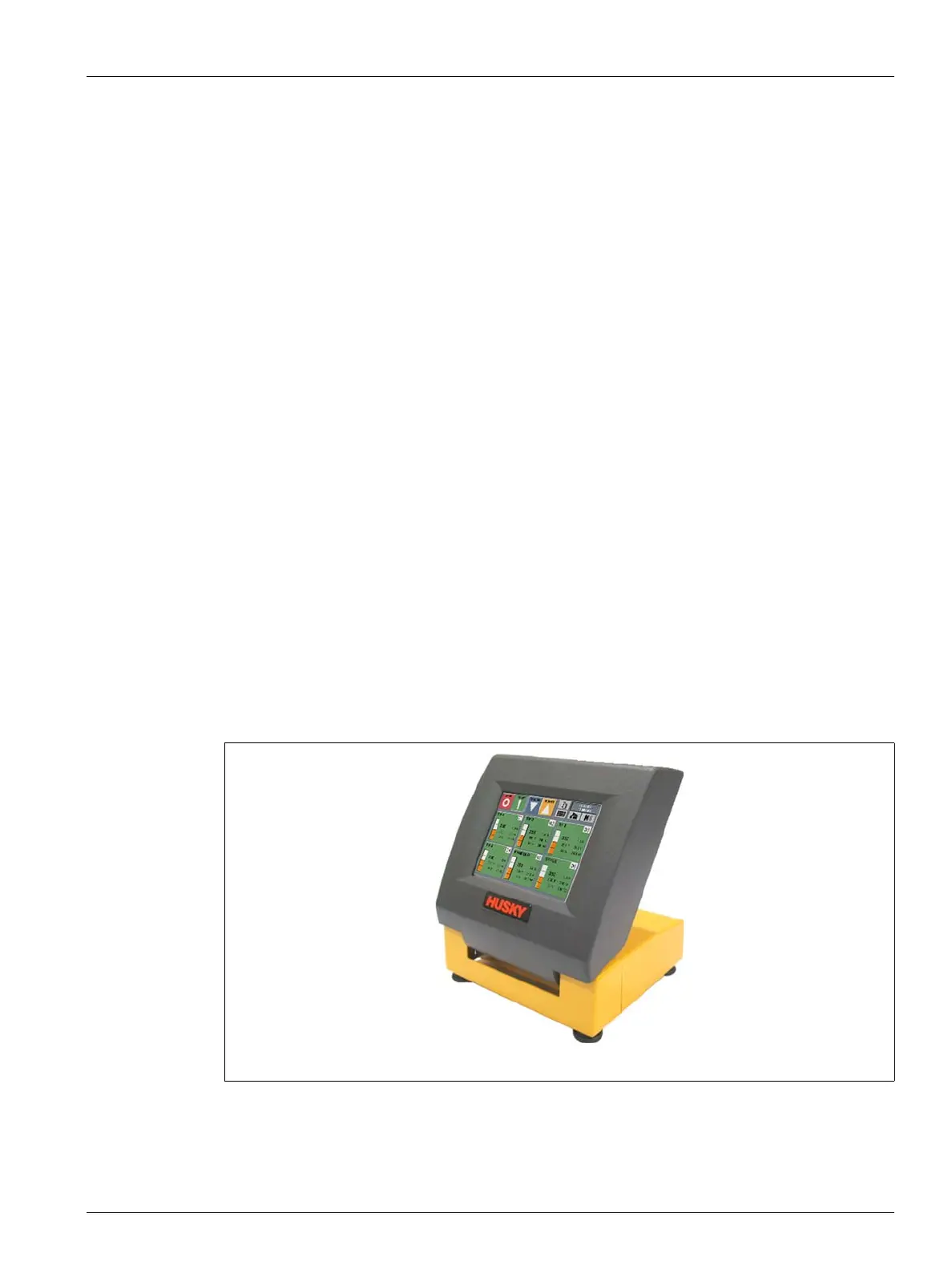
Figure 12-1 Neo2 Remote Display


 To Next Page