Operator Interface Modes 17
User Guide v 1.4 — September 2015 Neo2 Operator Interface
4.2 Operator Interface Modes
Neo2 has two different operator interface modes, Basic and Advanced.
Basic mode allows the operator to adjust the following parameters; Setpoint, Zone On/Off,
Regulation, Standby Setpoint, and Boost Setpoint.
Advanced mode allows the operator to adjust the Basic parameters plus; Alarm, Abort, Slave,
Sensor, Output Control, AMC, PCM, PID/ART, Earth Leakage, Name, and Power Limit.
All Neo2 systems are shipped from the factory in Basic mode.
4.2.1 Changing Modes
To change modes:
1. On the Home screen, touch SYSTEM SETUP and the System Setup screen will appear.
On the BASIC ADV button, the box beside the mode highlights the system’s current
mode.
2. Touch BASIC ADV.
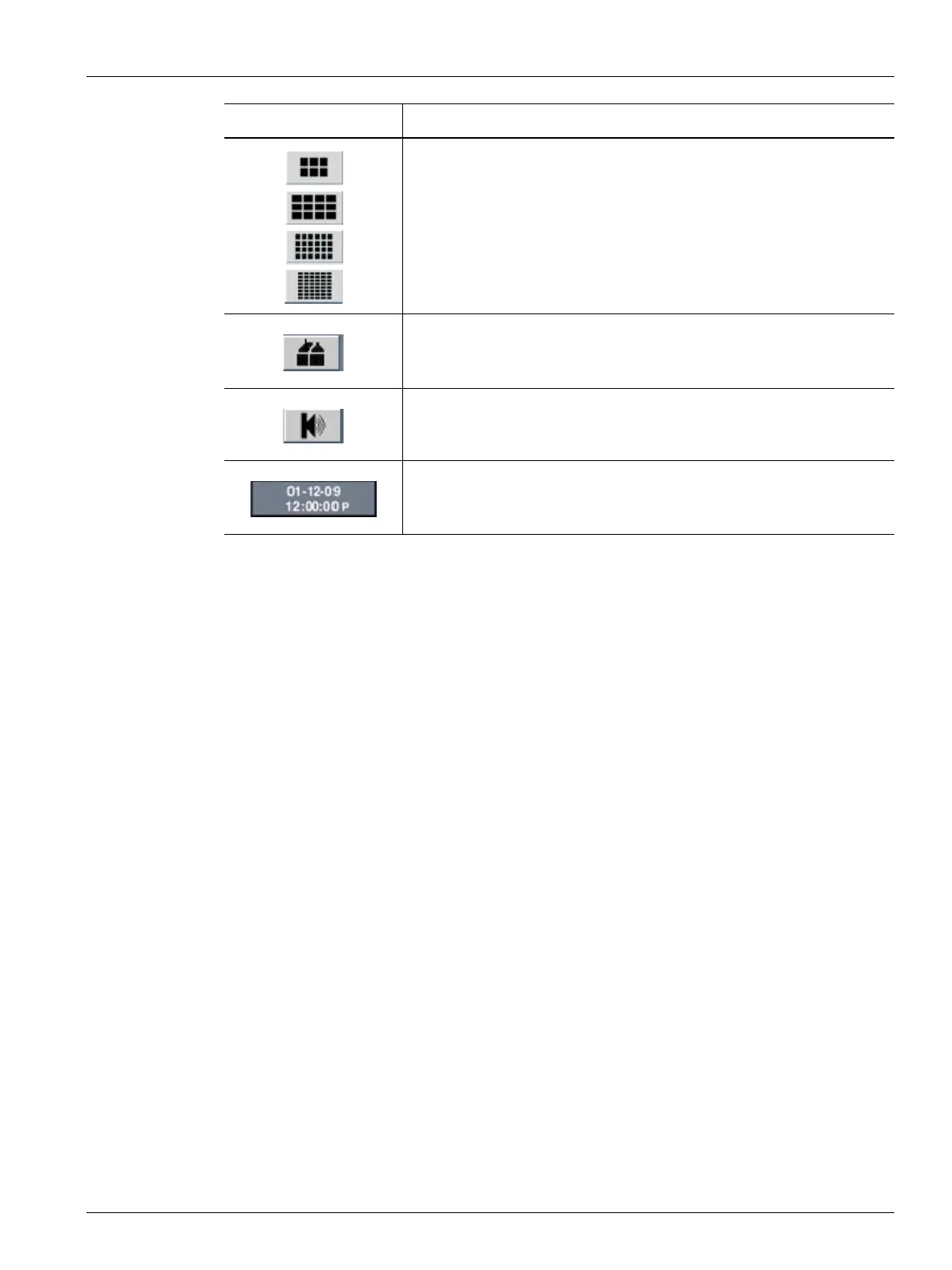
Zone Data Layout - Used to toggle between 6, 12, 24 and 48 zone screen
layouts.
Home - Used to return to the Home screen
SPEAKER - used to clear and reset Alarm and Abort errors.
Date/Time - Displays current date and time on the system. To change the
date and time refer to Section 9.1.6.
Button Description



 To Next Page