v 1.4 — September 2015 Altanium Neo2
64 Changing AM and PM with a 12-Hour Clock
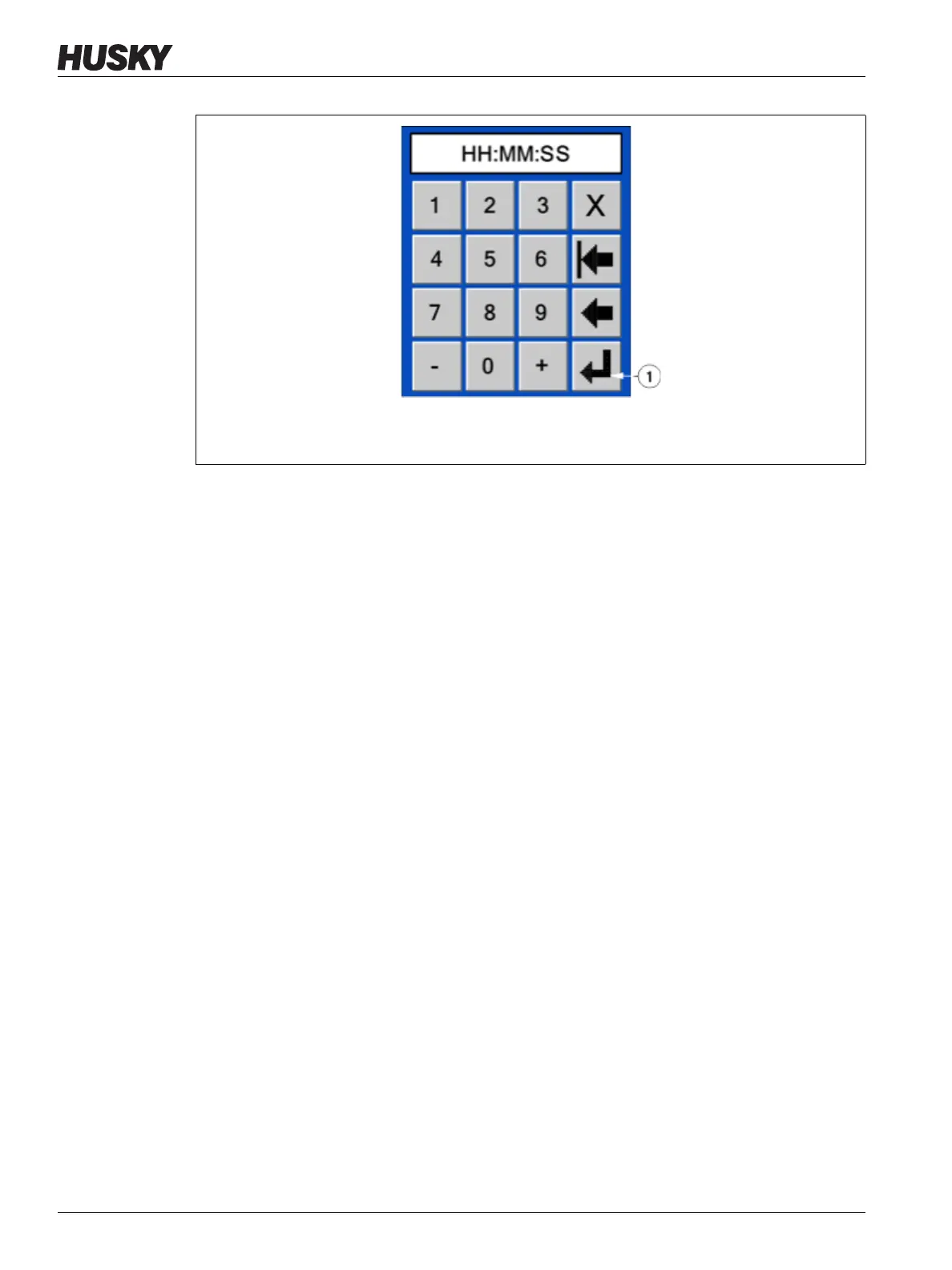
3. Enter the new time.
4. Touch Enter.
9.1.6.4 Changing AM and PM with a 12-Hour Clock
The AM/PM button is used to differentiate the time of day when the 12-hour time format is
selected. AM is indicated by a small A and PM by a small P in the Time/Date field.
To change the AM and PM setting:
• Touch the AM/PM button and the system will toggle between the two parameters.
NOTE:This button is only active when the 12-hour time format is selected.
9.1.7 Adjusting the Screen Brightness
Neo2 allows the operator to increase or decrease the brightness of the screen.
To increase the brightness of the screen:
• Touch the + button repeatedly until the desired brightness is achieved.
To decrease the brightness of the screen:
• Touch the - button repeatedly until the desired brightness is achieved.
Figure 9-3 Time Key Window
1. Enter Button



 To Next Page