v 1.4 — September 2015 Altanium Neo2
72 Assign to Advanced
9.3.5 Assign to Advanced
Touch ASSIGN TO ADVANCED, to assign the user defined zone parameter settings to the
Advanced button in the System Setup screen. If selected, anytime a user puts the system in
Advanced mode, the available zone parameters will reflect what was assigned to the
Advanced button from this screen.
9.3.6 Reset to Default Settings
Touch DEFAULT SETTINGS and acknowledge the confirmation dialog box. This returns all of
the settings in the Customize screen to the factory defaults. This includes restoring the boot-
up sequence.
9.4 Timers
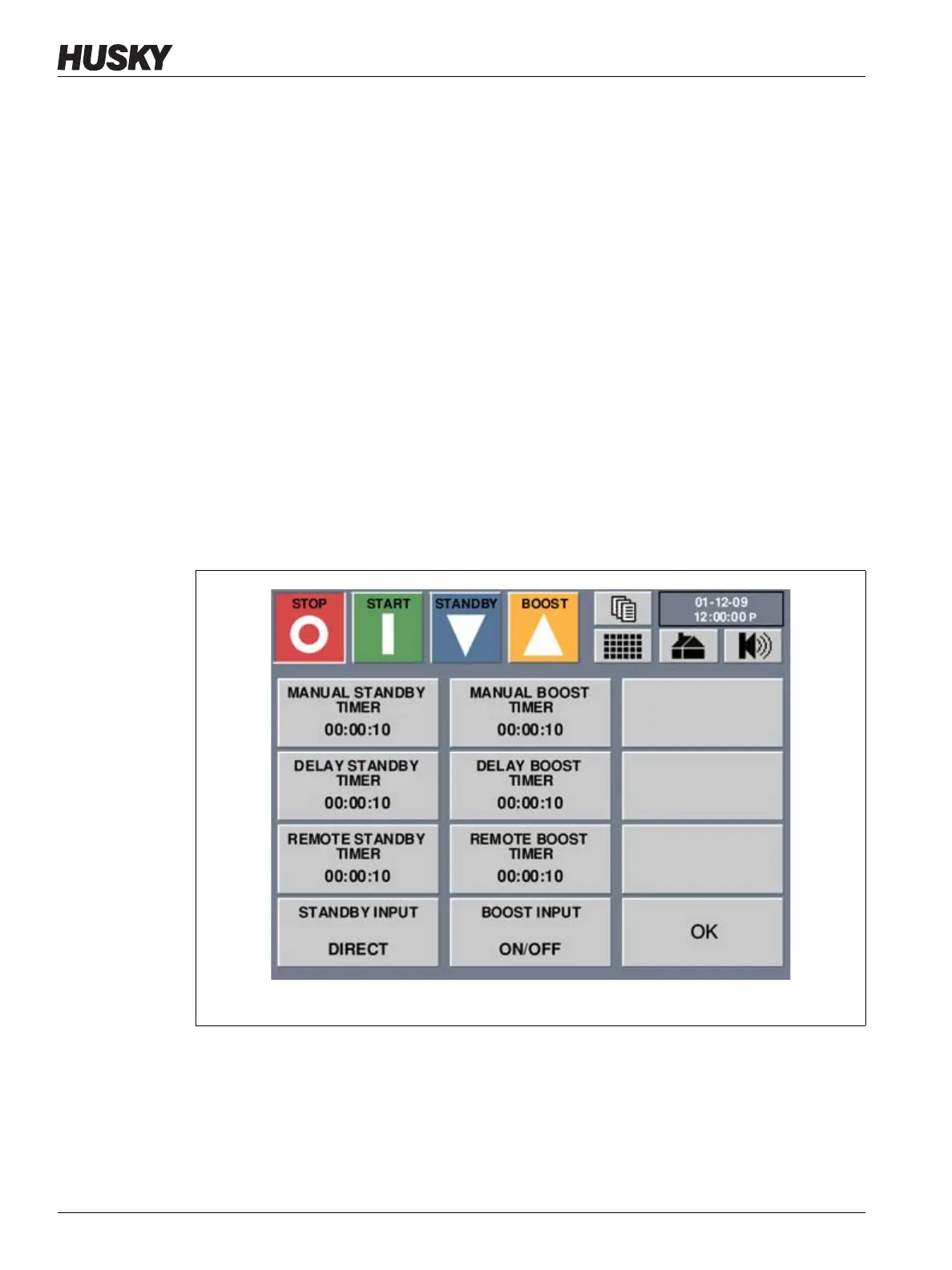
The Timers screen allows the operator to select and setup the standby, boost timers.
9.4.1 Standby Timers
To reduce the temperatures in the mold for a certain period of time, the Standby timers
associated with each standby function can be set. Once the system enters standby, the timer
will start. When the timer finishes, the temperatures will return to the normal setpoint. The
Figure 9-8 Options Screen



 To Next Page