v 1.4 — September 2015 Altanium Neo2
70 Displaying Zone Parameters
9.3.1 Displaying Zone Parameters
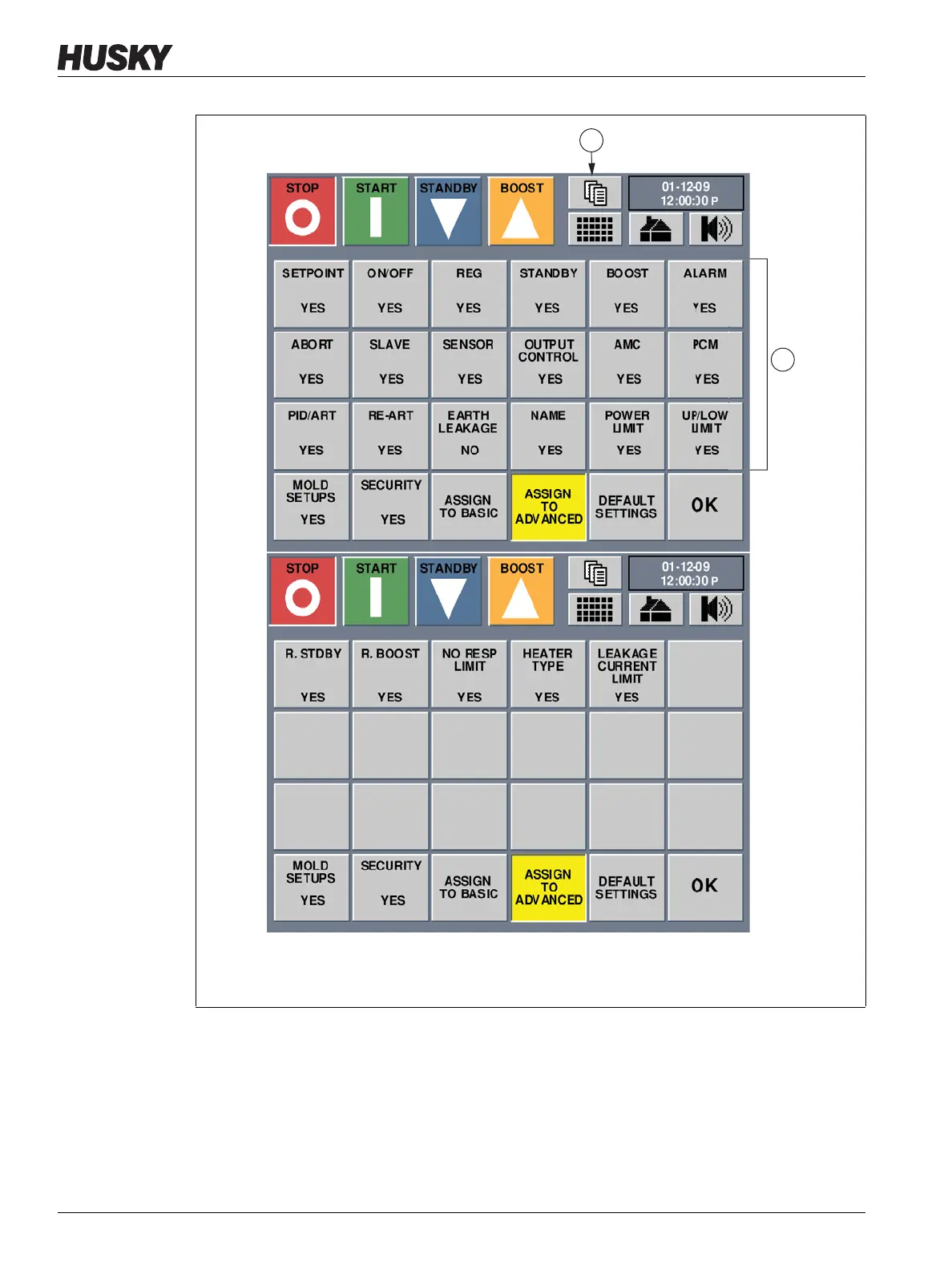
The first three rows on the Customize screen are the zone parameters that can be selected to
display on the Quick Set screen. These zone parameters can be assigned to either the Basic
mode button or the Advanced mode button. Doing so modifies the number of zone
parameters that will be displayed in the Quick Set screen when in Basic or Advanced modes.
Figure 9-7 System Customize Screen
1. Parameters Buttons 2. Next Page Button
1



 To Next Page