Page 26
Copyright© 2019 Ingenico
Mobile
The following process will not be visible if your terminal has
already obtained a network connection.
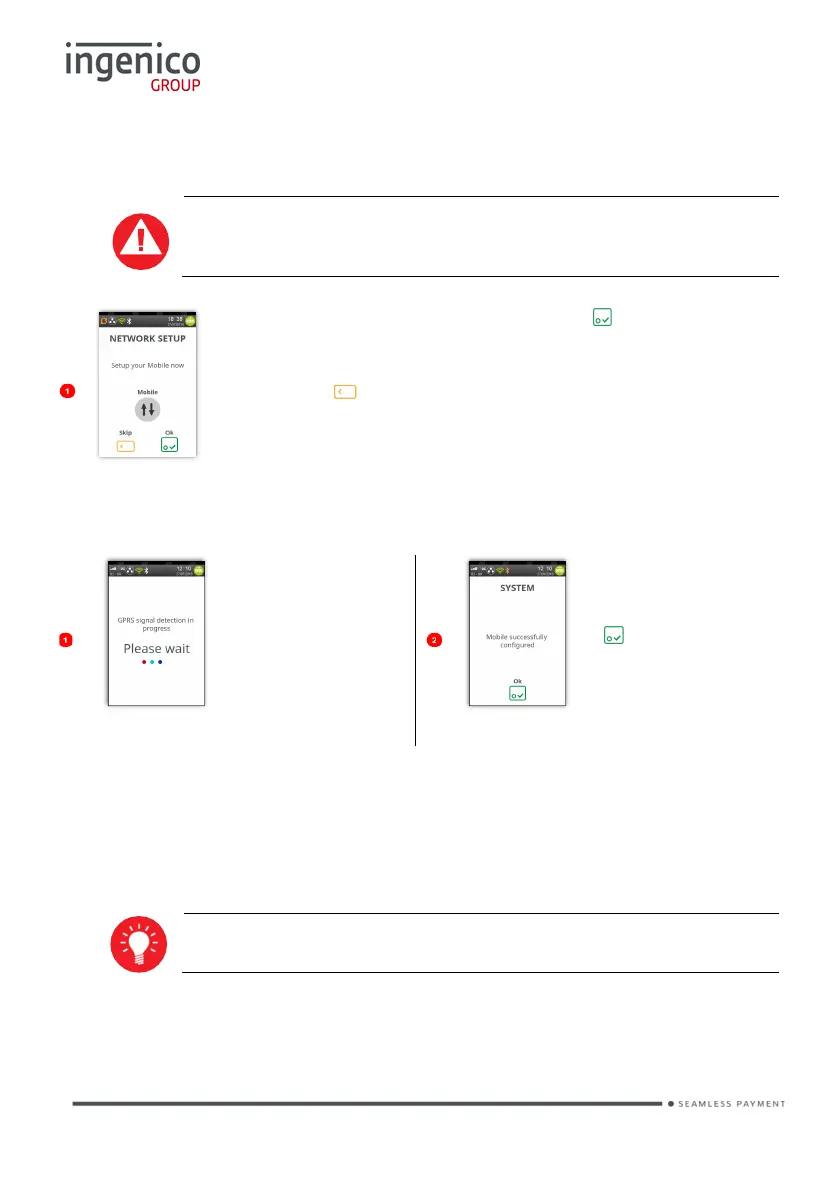
To setup your ‘Mobile’ connection, press and follow the
screens.
If you choose not to setup your ‘Mobile’ connection at this
time, press to skip the process.
The following screens will show you the progress of your ‘Mobile’ connection:
The terminal will
attempt to obtain
a GPRS
connection.
Terminal
requires a
reboot. Press
and the
terminal will
reboot.
Your terminal will automatically pick-up the best available network, however if
required you may manually select a preferred network. This will ensure that the
terminal will always connect to your preferred provider.
Manual Mode is only available after the terminal has been
installed and the terminal has returned to the ‘Idle Screen’.














 To Next Page