Page 33
Copyright© 2019 Ingenico
Additional Prompts
During transaction processing you may be requested to confirm any/all of the
following information. These will only be displayed after ‘Amount Entry’ and only if
your terminal has been configured for ‘Gratuity’:
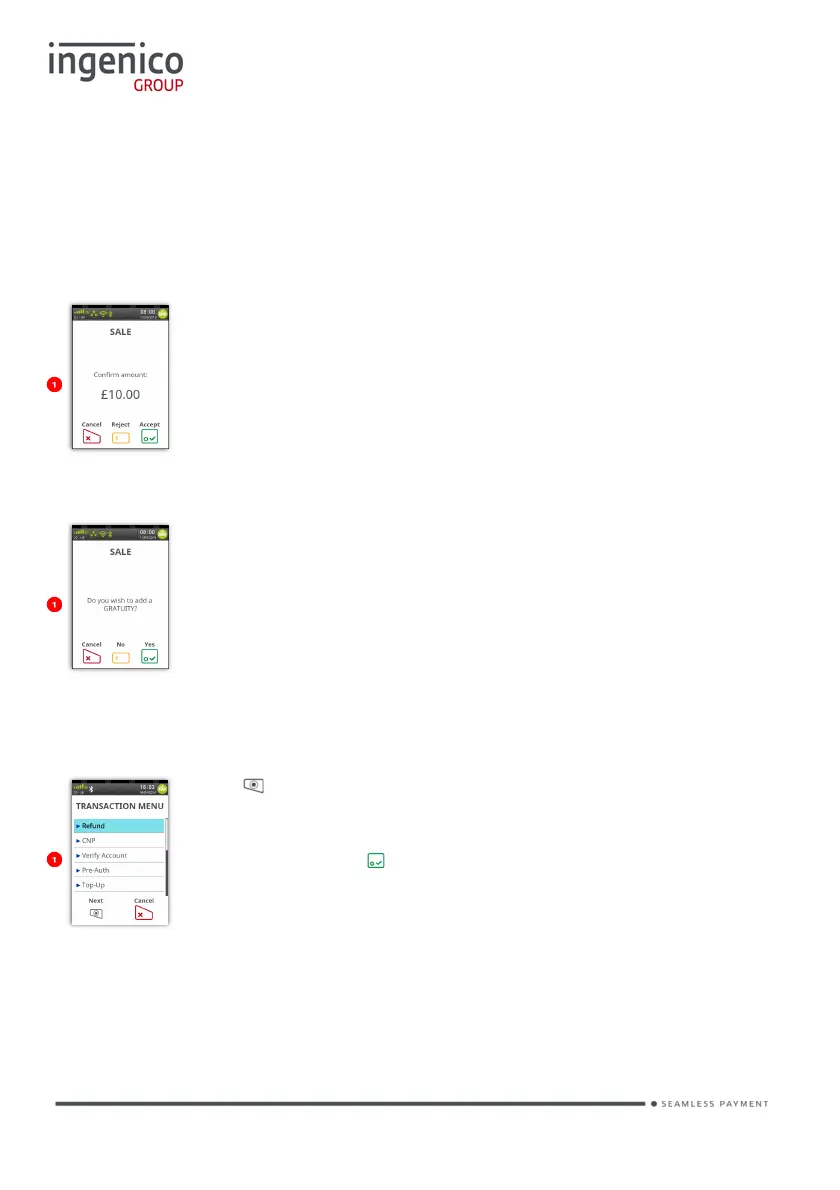
Confirm Amount
This screen will be displayed after the transaction amount.
Add Gratuity
This screen will be displayed after:
You confirm the ‘Transaction Amount’.
Transaction Menu
Press at the ‘Idle Screen’ to display the ‘Transaction
Menu’.
Scroll through the menu to highlight the required transaction
type and then press to select.














 To Next Page