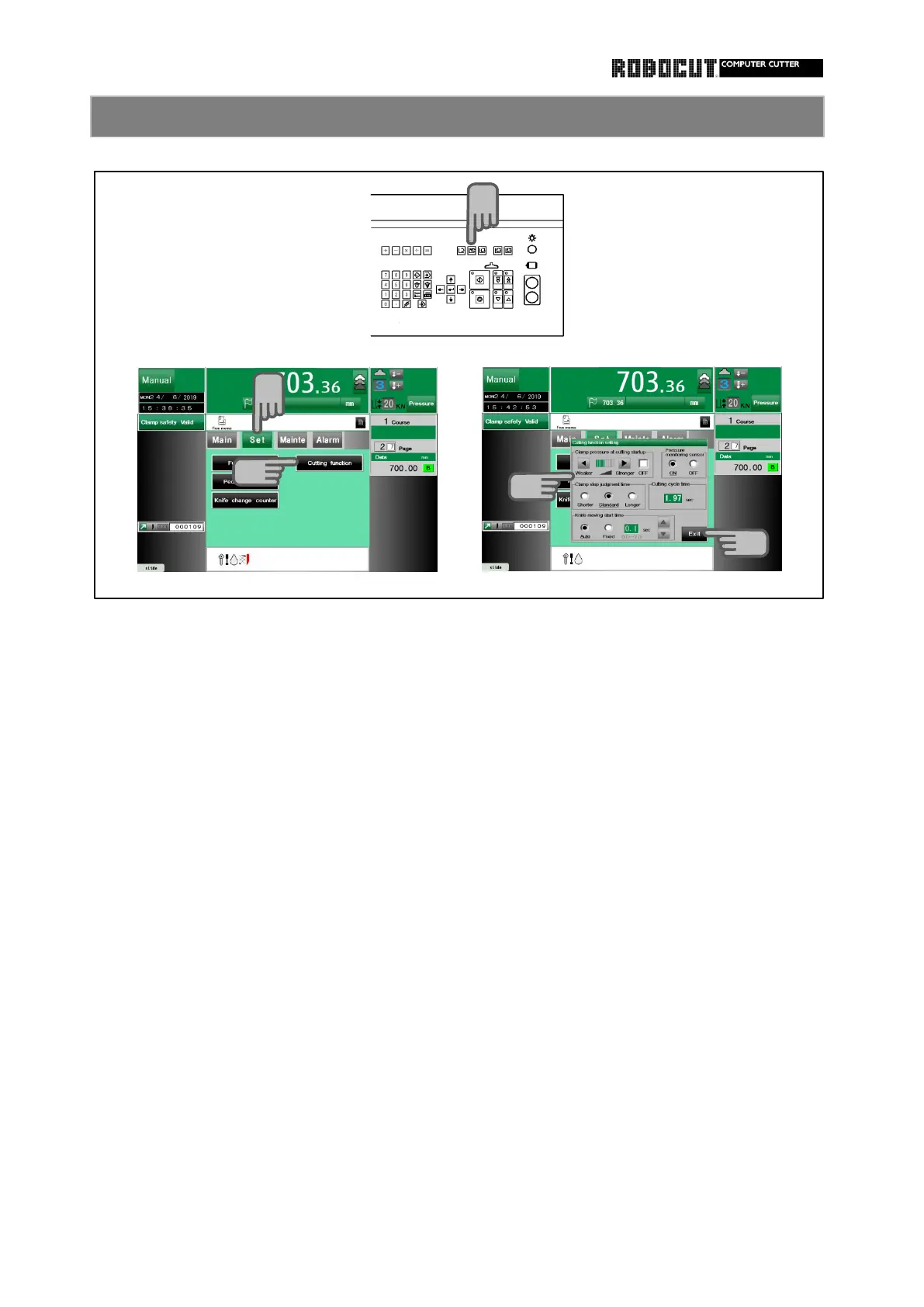
Select the manual mode.
◆ 【 Clamp pressure at cutting startup 】
Press 【 Set 】 .
the workpiece.
Press 【 Cutting functio 】 . ◆ 【 Pressure monitoring sensor 】
Turn on or off the sensor for monitoring
Select the function.
a change in the clamp pressure.
setting .
◆ 【 Clamp stop judgment time 】
Select the time from arrival of the clamp
Press 【 Exit 】 .
at the workpiece to the startof knife to
lower.
◆ 【 Cutting cycle time 】
Cutting time monitor.
◆ 【 Knife moving start time 】
Enter the time delay from the press of
the cutting buttons to the start of the
knife to lower.



 To Next Page