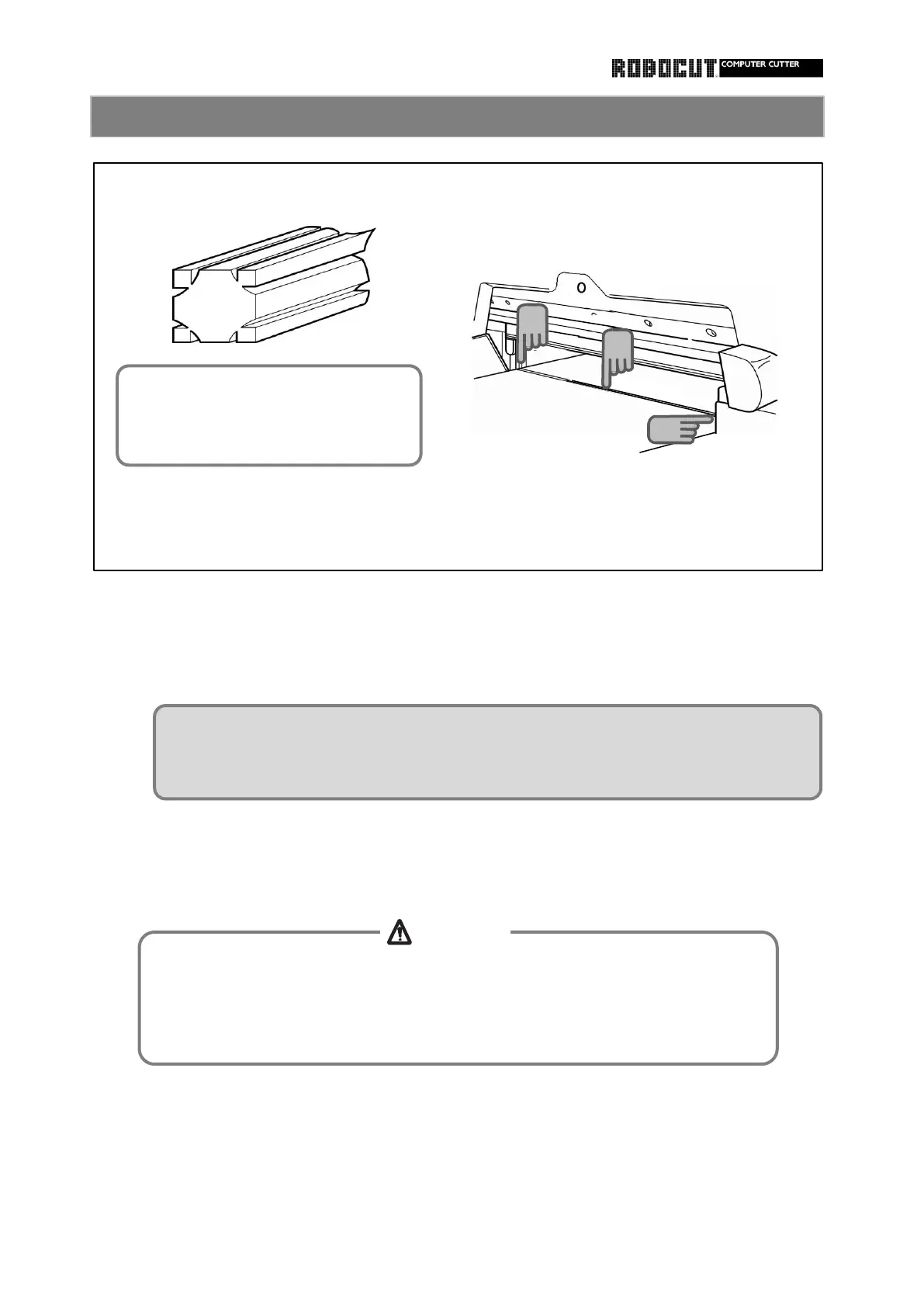
Stop the main motor.
Clean the groove from which the cutting stick is removed.
Starting at the right end, insert the entire cutting stick into the groove.
While inserting a screwdriver at the left end, make the cutting stick float a little to remove.
How to change the cutting stick
Use protective gear such as gloves when removing or insatlling the cutting stick
and be careful of edge of the cutting stick installation groove and cutting edge
og the knife.
Otherwise injuries will be caused.
Usea file or the like to remove projections ( traces of knife edge ) from the
removed cuting stick. If the damaged cutiing stick is forcibly pushed with projections,
the cutting stick will be stuck and will become hard to remove.
4
3
Two grooves for each of the four
faces of the cutting stick, total
eight grooves, can be used,



 To Next Page