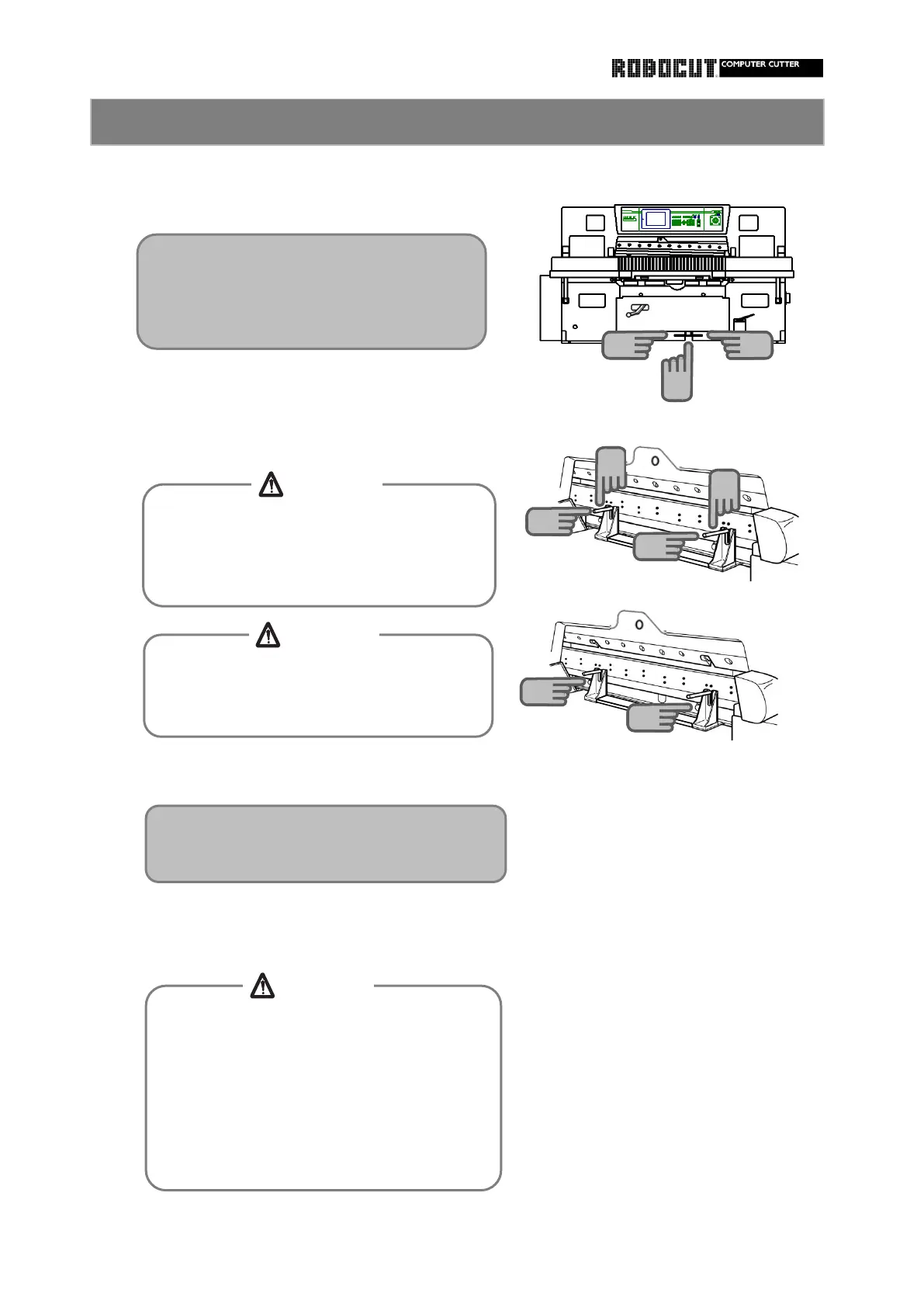
5
knife holder.
the knife support bolts.
Slowly release the clamp pedal.
While holding the knife handle, pull the knife
While holding the knife holder securely, slowly
step on the clamp pedal to lower the clamp.
Tighten the knife handle to fix the knife to the
Lower the clamp to the bottom and remove
How to remove the knife 3
14
14
13
16
13
13
Do not reach between the knife support bolt
and surface plate.
Otherwise entanglement between knife
support bolt and surface plate will be caused.
To remove or install the clamp support bolt,
be careful of the knife.
Otherwise injuries will be caused.
When using the knife handle, be careful not
to allow fingers to slip due to oil or the like.
Otherwise injuries will be caused.
When sliding the knife holder on the surface
plate, be careful not to make the cutting
edge in contact with the main body.
Otherwise the cutting edge will be clipped.
15
15
15
At this time, hold the knife handle to distance
the knife from the clamp by 1 to 2 mm.
CAUTION
CAUTION
CAUTION
Cjeck if the knife handle enters the notch
of the knife holder and the upper end of
the knife becomes lower than the knife
carrier. Stop the clamp immediately.



 To Next Page