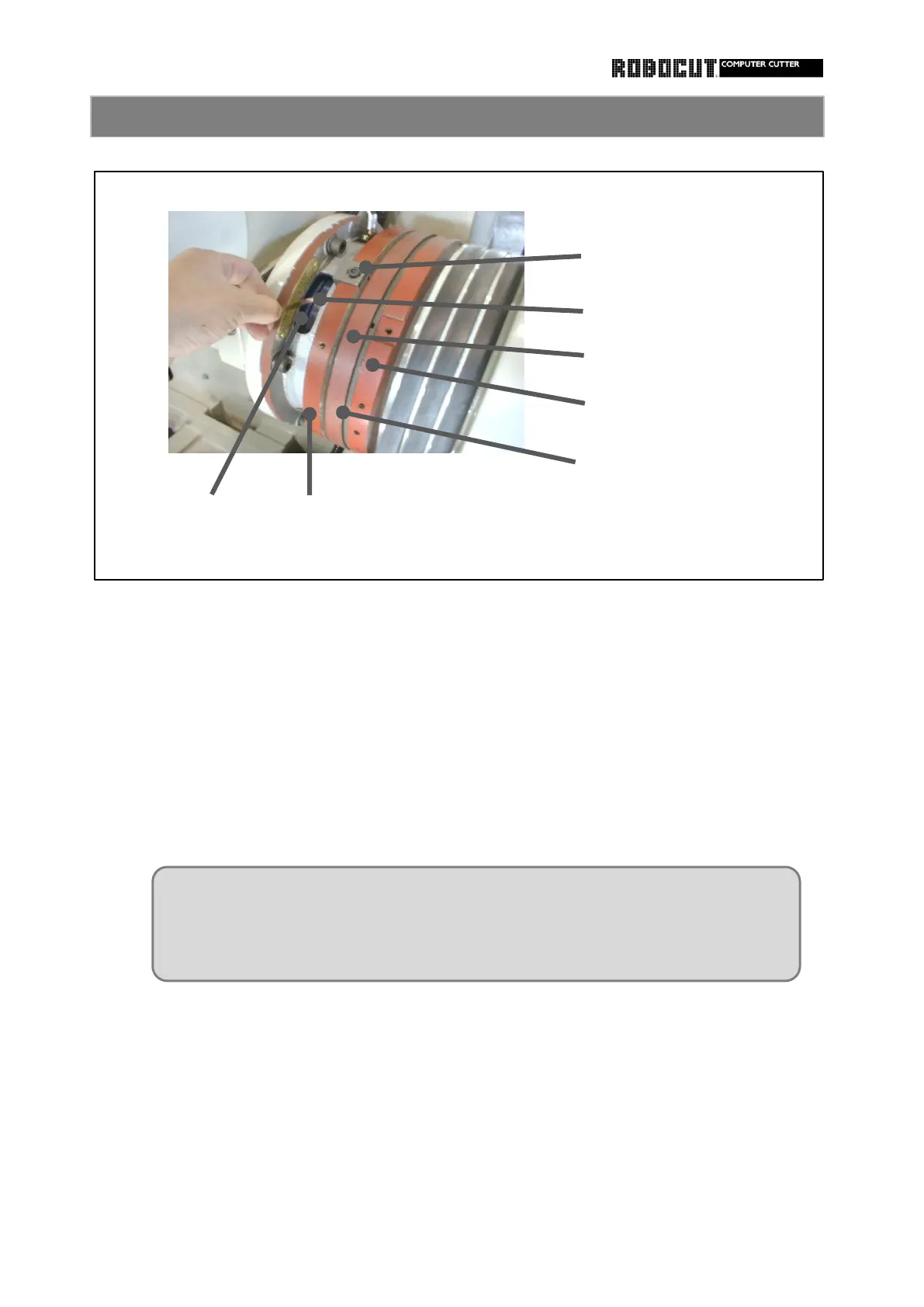
③ Turn the clutch on.
Tighten the set screw.
Install the key finxing the adjusting nut.
Adjust the clutch-off gap.
Clockwise : The gap increases.
Inspect the gap between the rotor and lining on the start side with clutch turned on.
① Remove the key ( at 1 place ) fixing the adjusting nut on stop side.
Check that the gap is 0.25mm or larger around the peimeter.
② Loosen the set screw ( at 1 place).
④ Turn the adjusting nut on the stop side.
Counterclockwise : The gap decreases.
How to adjust the clutch 2
Install the set screw of the adjusting nut at the key groove ( where no thread is
provided ) adjacent to the groove of the flange where the key is set.
If the screw is installed erroneously on the thread, rotation of the adjusting nut
will becom disabled.



 To Next Page