8. Connect the AC power cord or DC power cables:
•
Connecting Power to an AC-Powered M120 Router on page 167
•
Connecting Power to a DC-Powered M120 Router on page 169
9. Power on the router.
See “Powering On the M120 Router” on page 170.
10. Perform the initial system configuration.
See “Initially Configuring Junos OS on the M120 Router” on page 173.
Related
Documentation
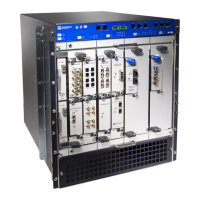
• M120 Router Chassis Description on page 7
• Installation Safety Warnings for Juniper Networks Devices on page 322
• M120 Chassis Lifting Guidelines on page 321
Copyright © 2018, Juniper Networks, Inc.112
M120 Multiservice Edge Router Hardware Guide


 To Next Page