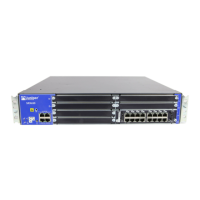
Figure 18: Attaching the Antennas (Direct Mounting)
•
Using an external antenna base—Attach the antennas to the antenna base. Connect the cables from
each antenna base to the RP-SMA connectors on the front panel (see Figure 14 on page 83).
Figure 19: Attaching the Antennas Using an Antenna Base (Rack Mounting)
For SRX320 Services Gateways, which can be mounted on a wall, you can mount the antennas on a
wall as shown in Figure 15 on page 84.
112


 To Next Page
 Loading...