4-6 LeeBoy 8510E Conveyor Paver
Operation
Soft Keys (Buttons)
Your Soft Key choices (Table 4-2) are associated with the throttle source. Some throttle sources may not be present
on your model.
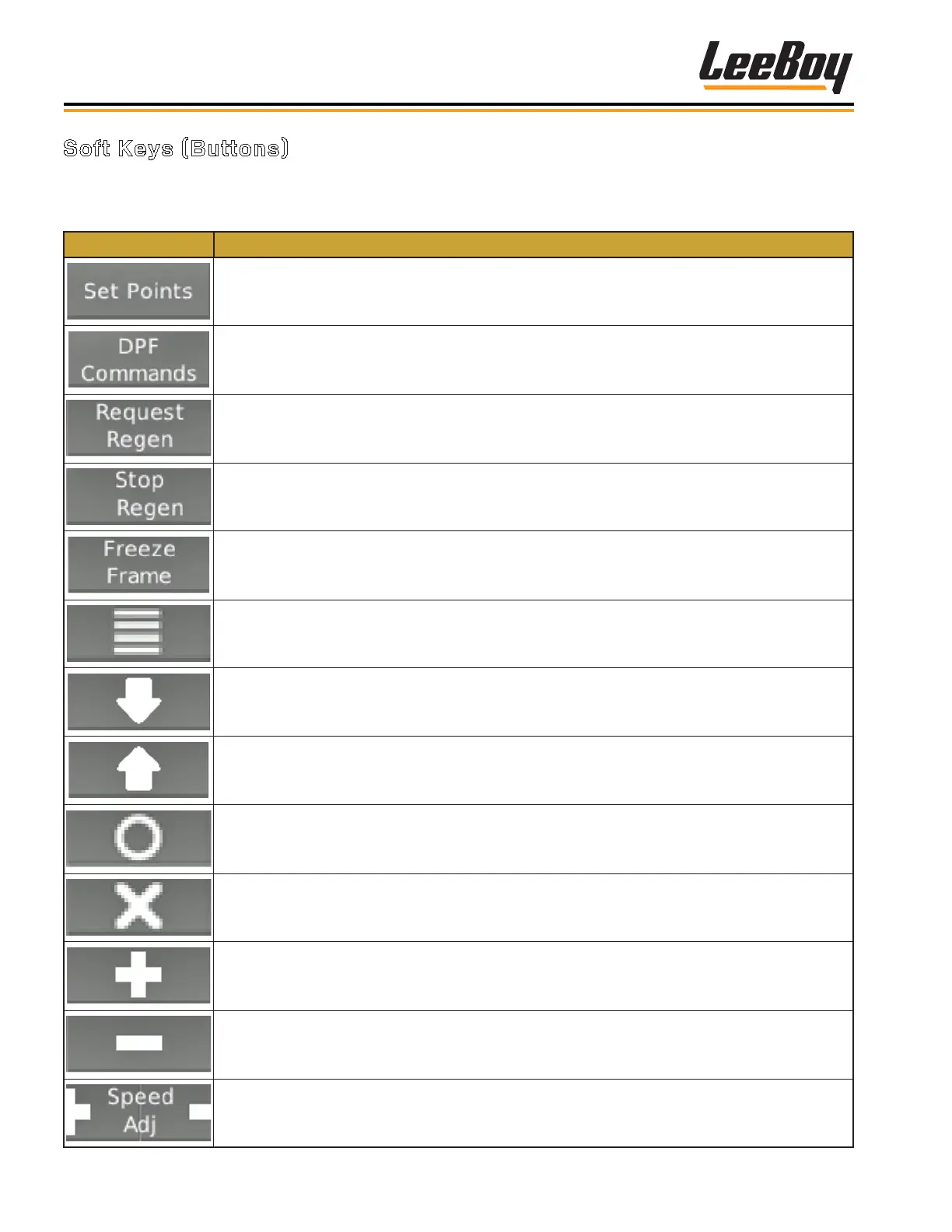
Table 4-2. Soft Key Choices
Status Icon Description
Set Points — Displays the engine-requested RPM/speed quick set points
DPF Commands — Displays the Diesel Particulate Filter (DPF) command to access the Un-
inhibit Regen and Inhibit Regen
Request Regen — Sends message to Engine Control Unit (ECU) to start regenerating the
DPF when prompted by engine ECU
Stop Regen — Sends message to ECU to stop regenerating the DPF (should not be used
unless necessary)
Freeze Frame — Requests the freeze frame data from the ECU when faults are present
Main Menu — Two full pages that list 5 action items to choose from: Gauges, Diagnostics,
System Info, Lamp Info, User settings
Down — Navigates the curser (>) downward through a list
Up — Navigates the curser (>) upward through a list
Select — Enters the action item next to the cursor in a list. Also used with the Main Menu soft
key to get back to the Main Menu from any screen
Deselect — Closes pop up messages
Plus — Increase the engine requested speed
Minus — Decrease the engine requested speed
Speed/Throttle — Opens the speed/throttle adjustment command and enables the Plus and
Minus soft keys (+/-)



 To Next Page