4-8 LeeBoy 8510E Conveyor Paver
Operation
Gauges
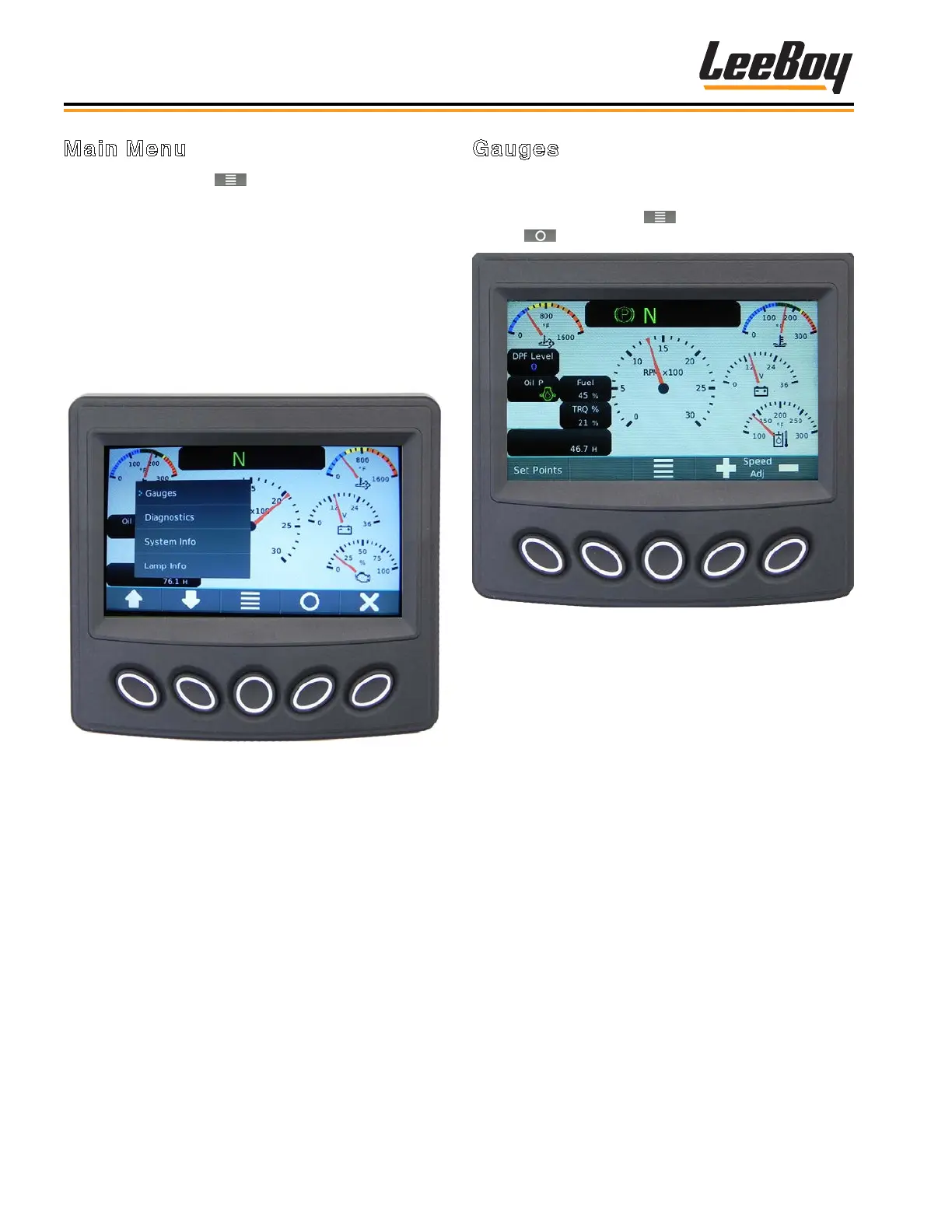
The Gauge Screen (Figure 4-6) is the Main Menu
default screen (home). Open it from any screen by
pressing the Main Menu ( ) soft key and then the
Select ( ) soft key.
Figure 4-6. Gauge Screen
Main Menu
Press the Main Menu ( ) soft key to view the menu
action items. (Figure 4-5) Scroll through the Main
Menu list using the UP/DOWN soft keys to maneuver the
cursor (>) to the action item.
• Gauges (Main Menu default screen)
• Diagnostics
• System Info
• Lamp Info
• User Settings
Figure 4-5. Main Menu Screen



 To Next Page