June 2018
102 Legrand PDU User Guide
Command Refer to
Load Shedding Setup Setting Non-Critical Outlets (on
page 104)
Activate Load Shedding
-- OR--
Deactivate Load Shedding
Load Shedding Mode (on page 105)
To power control multiple outlets:
You can switch any outlet regardless of its current power state. That is, you can turn on any outlet that is
already turned on, or turn off any outlet that is already turned off.
1. Click
to make checkboxes appear in front of outlets.
Tip: To perform the desired action on only one outlet, you can simply click that outlet without making the
checkboxes appear.
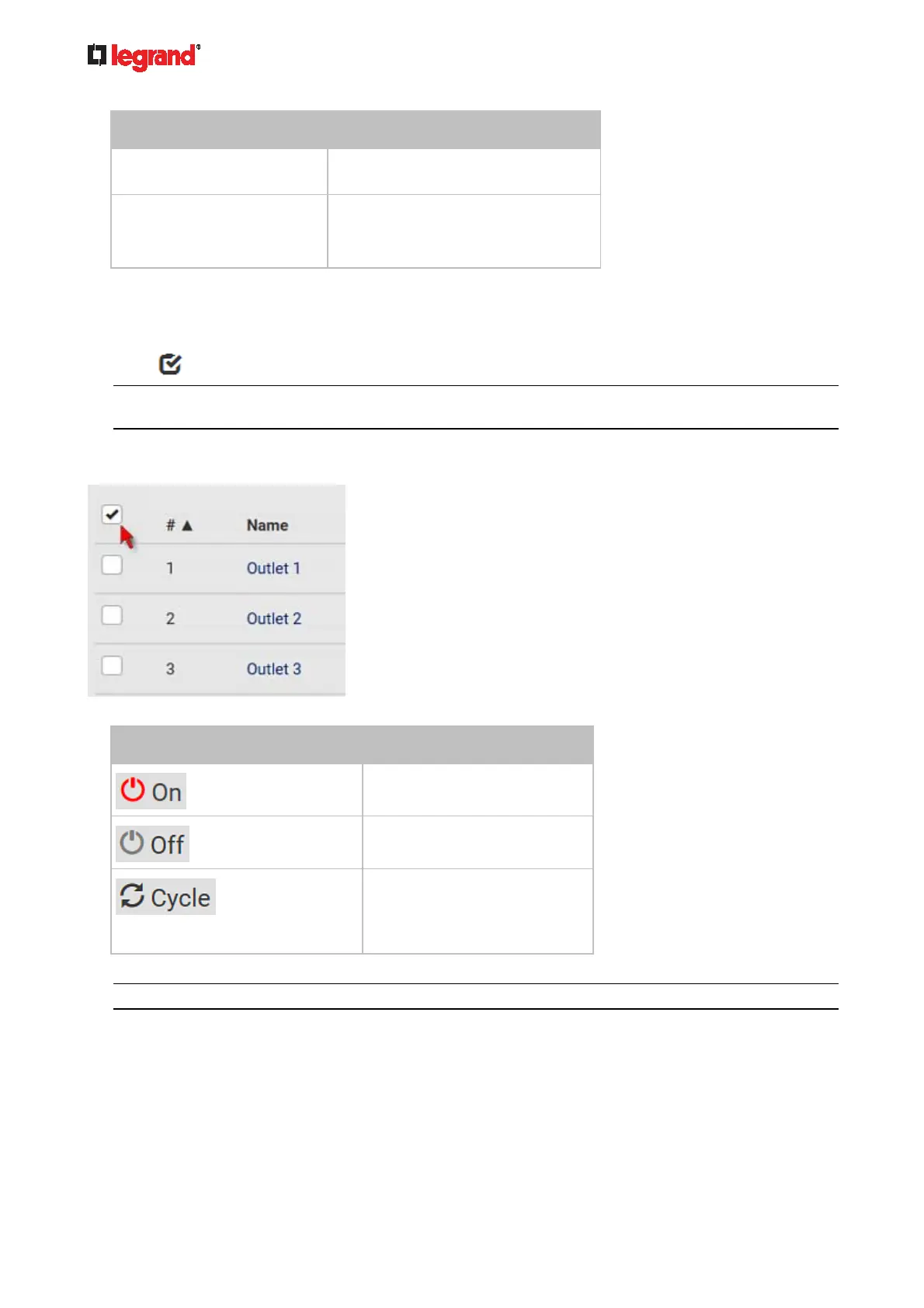
2. Select multiple outlets.
To select ALL outlets, select the topmost checkbox in the header row.
3. Click or select the desired button or command.
Button/command Action
Power ON.
Power OFF.
Power cycle.
Power cycling the outlet(s)
turns the outlet(s) off and
then back on.
4. Confirm the operation on the confirmation message.
Tip: You can also power control an outlet from Individual Outlet Pages (on page 107).
5. When performing any outlet-switching operation, a 'Sequence running' message similar to the following
displays before the outlet-switching process finishes.
It indicates how many selected outlets are NOT switched on/off or cycled yet.



 To Next Page