June 2018
232 Legrand PDU User Guide
Section title Information shown
Port Forwarding If the port forwarding mode is activated, this
section will show a list of port numbers for all
cascaded devices.
Outlets Each outlet's receptacle type, operating
voltage and rated current.
Overcurrent Protectors Each overcurrent protector's type, rated
current and the outlets that it protects.
Controllers Each inlet or outlet controller's serial number,
board ID, firmware version and hardware
version.
Inlets Each inlet's plug type, rated voltage and
current.
Peripheral Devices Serial numbers, model names, position and
firmware-related information of connected
Raritan's environmental sensor packages.
Identifying Cascaded Devices
For information on how to cascade Legrand PDUs, see Cascading Multiple Legrand PDUs for Sharing
Ethernet Connectivity (on page 32).
This section
explains how to identify a cascaded device on the Device Information page.
Note: For detailed information on the cascading configuration and restrictions, refer to the Cascading Guide,
which is available from the Legrand PDU section of Raritan website's Support page
(http://www.raritan.com/support/).
To identify the cascading status:
1. Choose Maintenance > Device Information.
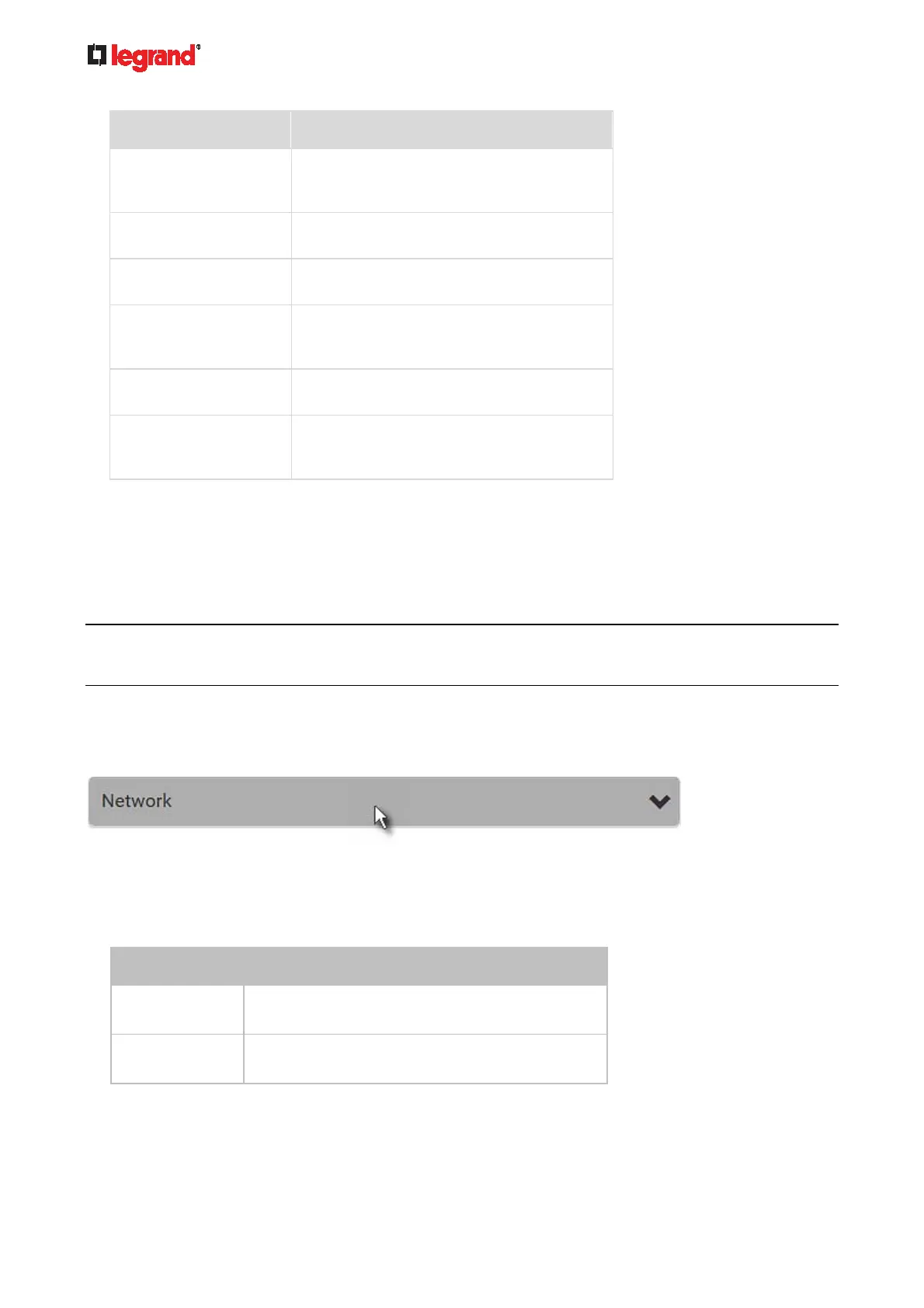
2. Click the Network title bar.
If the information shown on this page does not match the latest status, press F5 to reload it.
Cascading information in the Bridging mode:
The Common section contains two read-only fields for indicating the cascading status. Note that the
cascading position is NOT available in the Bridging mode.
Fields Description
Port Forwarding
Indicates the Port Forwarding is disabled. See
Setting the Cascading Mode (on page 150).
BRIDGE section
Indicates the device is in the Bridging mode and its
IP address.



 To Next Page