June 2018
356 Legrand PDU User Guide
LDAP Settings
All LDAP-related commands begin with authentication ldap.
If you enable LDAP authentication, you must add at least one LDAP server. Later you can modify or delete
any existing LDAP server as needed.
Adding an LDAP Server
Adding an LDAP server requires the entry of quite a lot of parameters, such as the server's IP address, TCP
port number, Base DN and so on.
You can repeat the following CLI command to add more than one LDAP server.
Tip: If any LDAP server's settings are identical to an existing LDAP server's, you can add it by just copying
the existing one, instead of using the following command. See Copying an Existing Server's Settings (on
page 359).
Add a new LDAP server:
config:# authentication ldap add <host> <port> <ldap_type> <security>
<bind_type> <base_DN> <login_name_att> <user_entry_class>
"Optional Parameters"
Note: "Optional Parameters" refer to one or multiple parameters listed in the section Optional Parameters
(on page 357). They are required only when your server settings need to specify these parameters. For
example, if setting the <bind_type> to "authenticatedBind", then you must add the parameter "bindDN" to this
command.
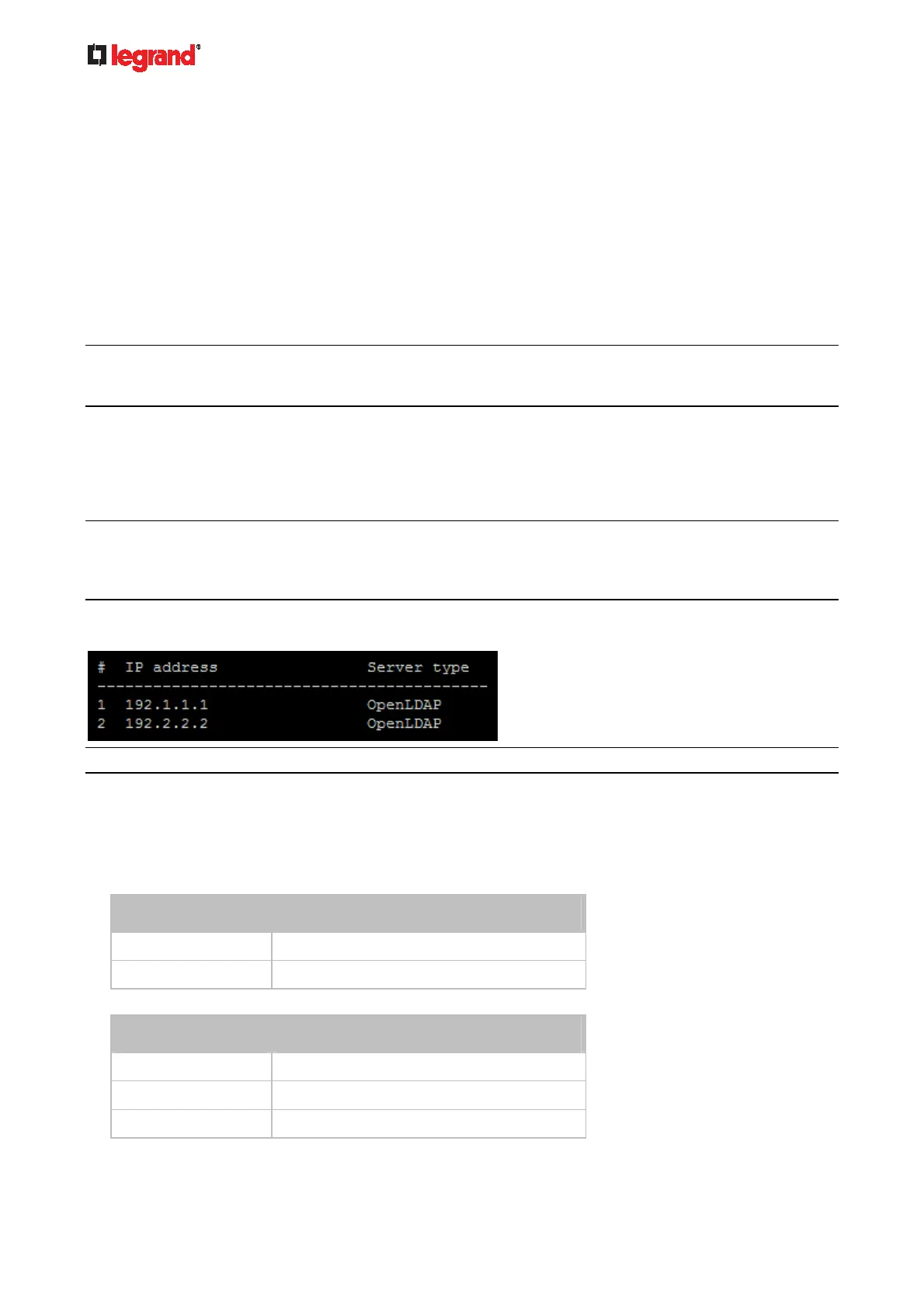
When the above command is successfully performed, a list of all LDAP servers, including the newly-added
one, will be displayed, which is similar to the following diagram.
Tip: To verify all settings of a newly-added server, see Authentication Settings (on page 286).
Variables:
<host> is the IP address or host name of the LDAP server.
<port> is the port number assigned for communication with the LDAP server.
<ldap_type> is one of the LDAP server types: openldap or activeDirectory.
Type Description
openldap
OpenLDAP server
activeDirectory
Microsoft Active Directory
<security> is one of the security options: none, startTls or tls.
Type Description
none
No security
startTls
StartTLS
tls
TLS



 To Next Page