June 2018
Legrand PDU User Guide 465
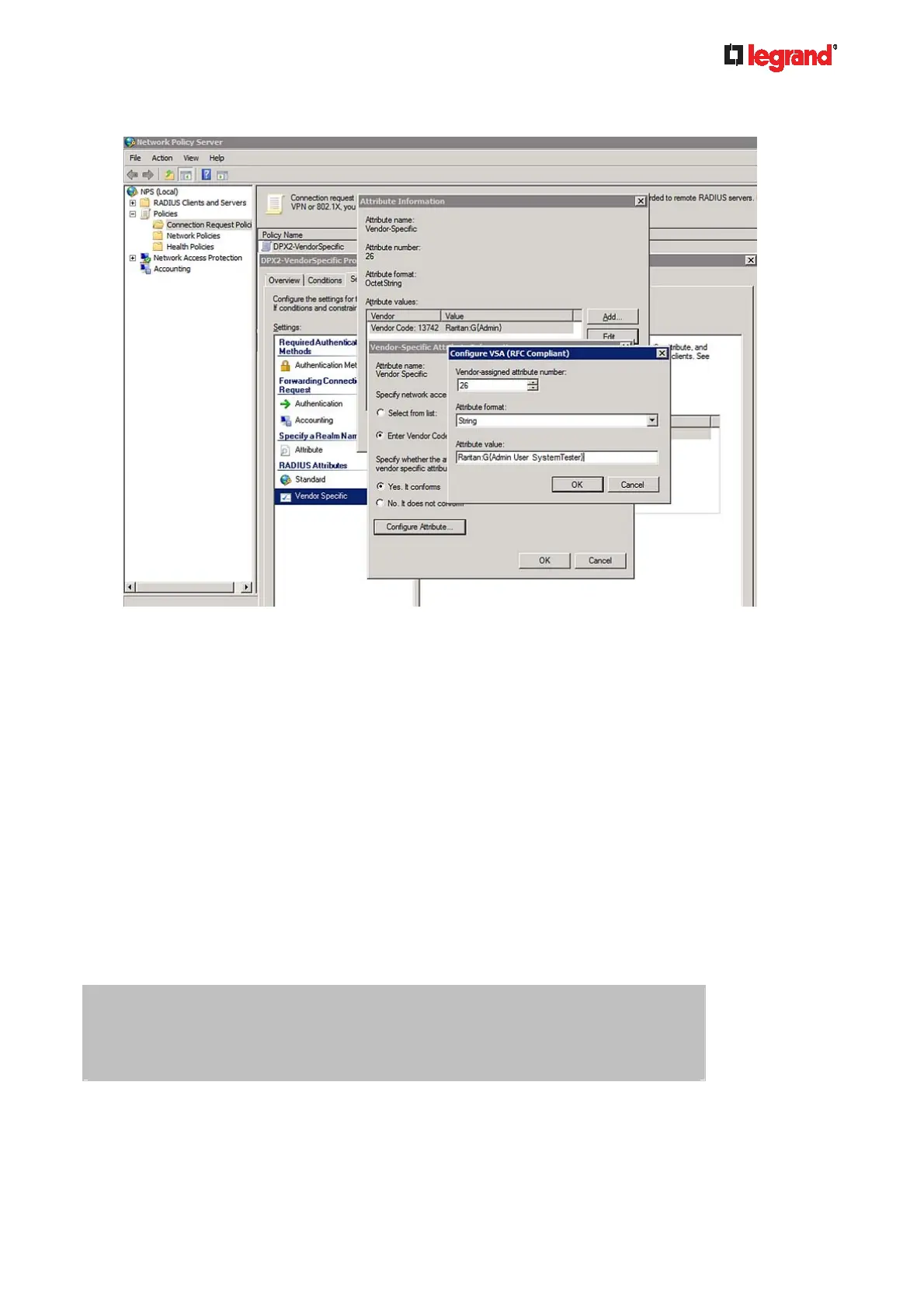
Note that multiple roles are separated with a space.
16. Click OK.
FreeRADIUS VSA Illustration
A vendor-specific dictionary file is required for the vendor-specific-attribute configuration on FreeRADIUS.
Therefore, there are two major configuration steps.
a. Use a dictionary to define the Raritan vendor-specific attribute
b. Add all user data, including user names, passwords, and roles
Presumptions in the illustration:
Raritan attribute = Raritan-User-Roles
User name = steve
Steve's password = test123
Steve's roles = Admin, User and SystemTester
Step A -- define the vendor-specific attribute in FreeRADIUS:
1. Go to this location: /etc/raddb/dictionary.
2. Type the following in the Raritan dictionary file.
VENDOR Raritan 13742
BEGIN-VENDOR Raritan
ATTRIBUTE Raritan-User-Roles 26 string
END-VENDOR Raritan
Step B -- create a user profile for "steve" in FreeRADIUS:
1. Go to this location: /etc/raddb/users.



 To Next Page