June 2018
Legrand PDU User Guide 63
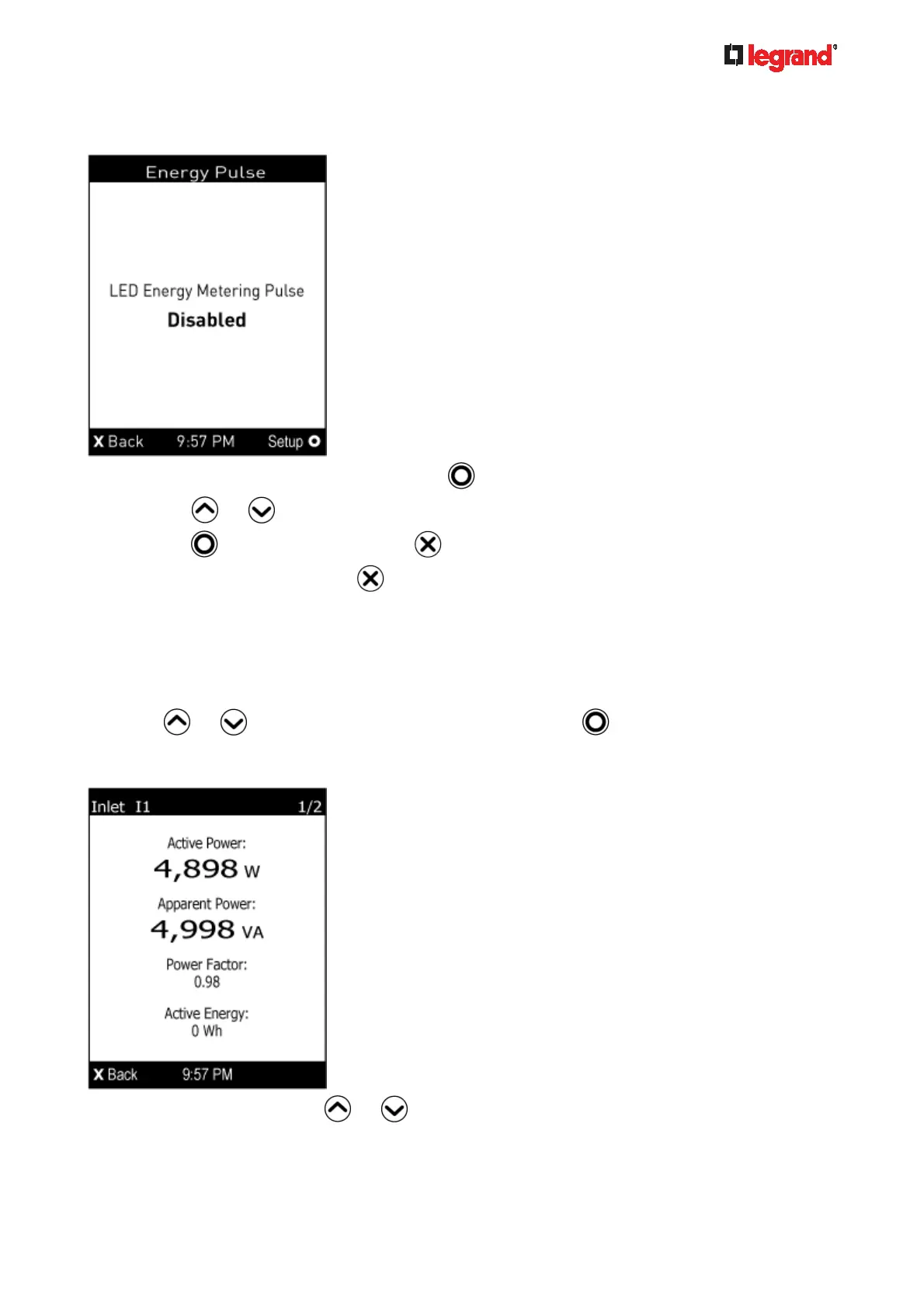
2. The Energy Pulse page opens. By default the energy pulsing is turned off. DO NOT enable this feature
unless you have to use it.
a. To change the energy pulse settings, press
.
b. Press
or to select an option.
c. Press
to confirm the selection, or to cancel.
3. To return to the Main Menu, press
.
Inlet
An inlet's information is separated into two pages. Page numbers are indicated in the top-right corner of the
LCD display.
To show the inlet information:
1. Press
or to select "Inlet I1" in the Main Menu, and press .
2. The first page shows the inlet's active power (W), apparent power (VA), power factor (PF), and active
energy (Wh).
3. To go to other page(s), press
or .



 To Next Page