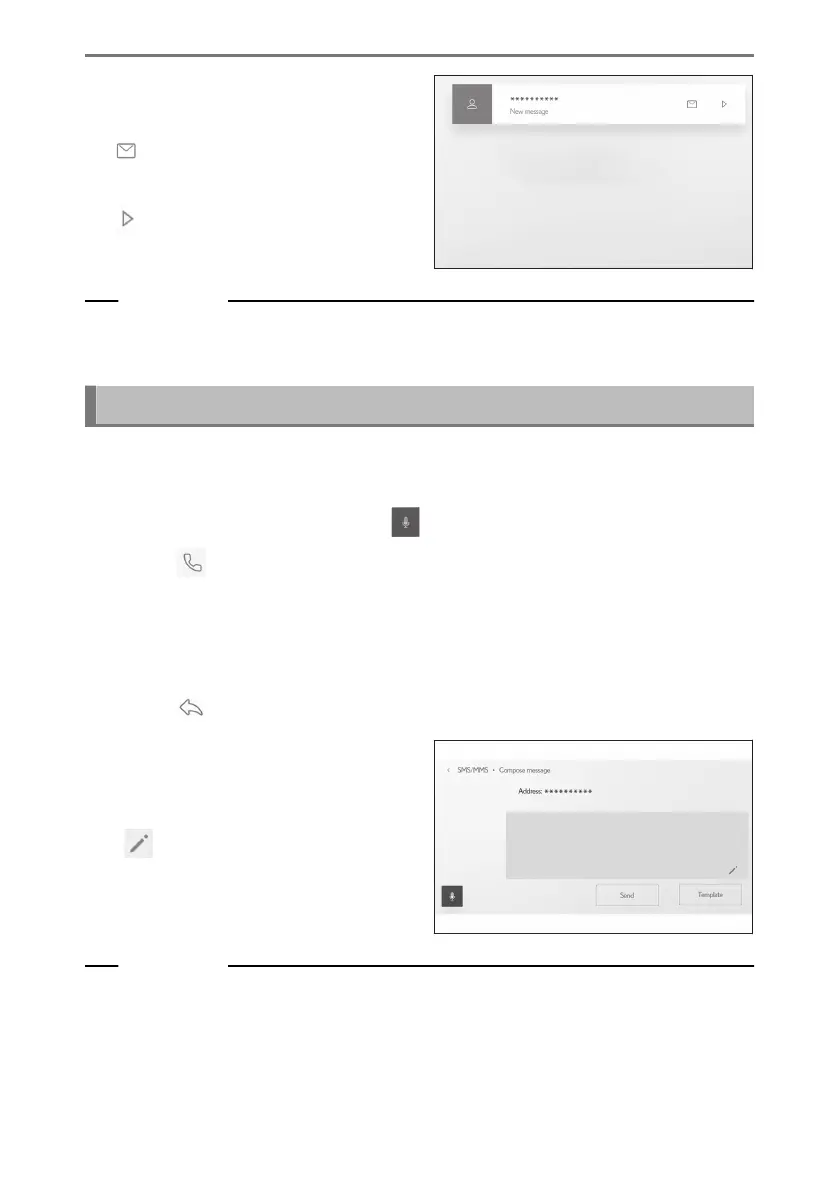
● The following operations can be per-
formed when a message is received.
[
] : Displays the body of the mes-
sage.
[ ] : Reads the message aloud.
Related Links
Changing the voice control settings(P. 69)
Replying to messages(P. 254)
Replying to messages
Replies can be sent to received messages.
● Replies can be sent with templates using voice control system.
*2
(Quick reply)
● To use voice control system, touch [ ].
1 Touch [ ] from the main menu.
2 Touch [Messages] on the submenu.
3 Select an account.
4 Select the message sender.
5 Touch [ ].
6 Enter each item.
[Template] : Fill in the selected tem-
plate message.
[ ] : Enter using the keyboard.
7 Touch [Send] to reply.
Related Links
Operating the system with voice control(P. 40)
Editing templates(P. 255)
*1 : This function is not available for e-mail. This function is not available in some countries
or areas.
*2 : This function is SMS or MMS.
6-8. How to use the message function
254













 To Next Page