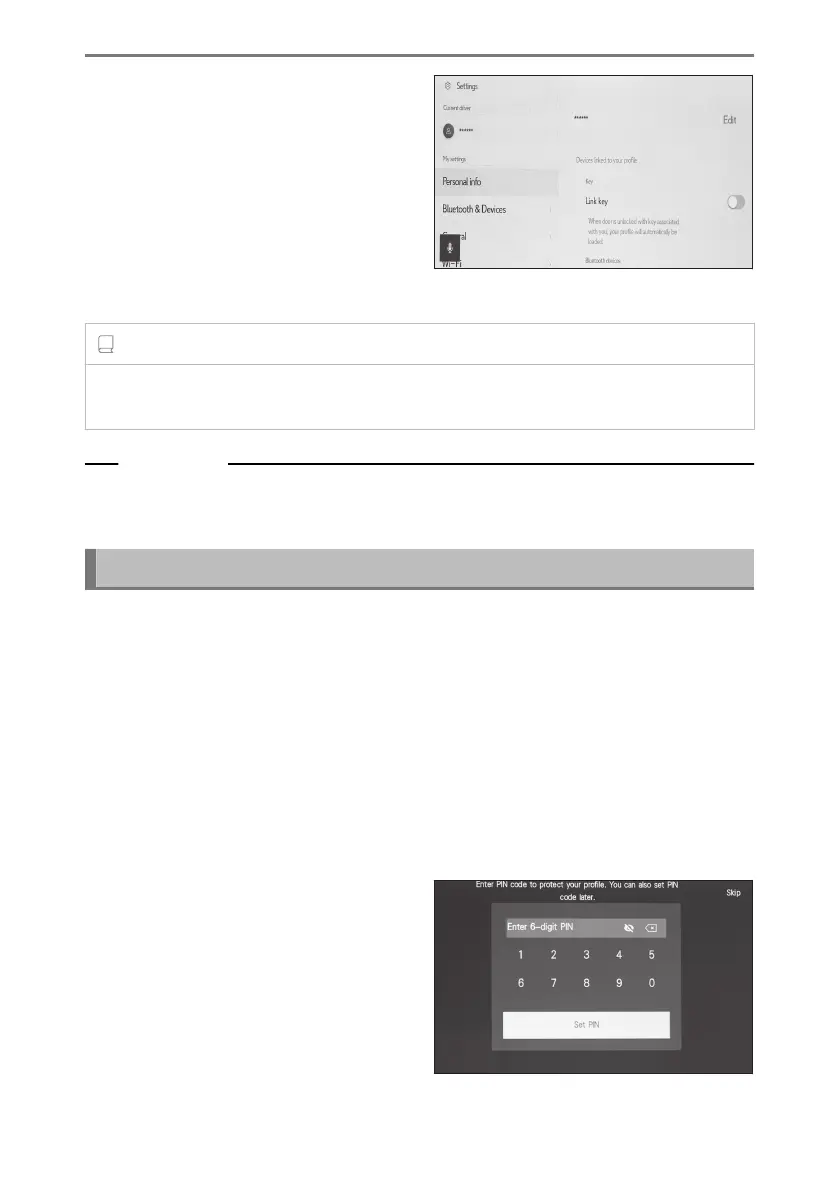
6 Register a device on the driver set-
up screen. By registering a device to
identify the driver, your profile will be
automatically loaded.
● You can register any desired device,
such as a smart key or smartphone in
your profile.
● You can register multiple devices in
your profile.
INFORMATION
If a user profile was not registered, registration can be restarted on the driver setup
screen.
Related Links
Setting up how to identify a driver(P. 62)
Changing and registering a user profile(P. 59)
Registering a user profile for the first time (Type B)
1 After start the vehicle, the language selection screen will be displayed. Touch
the desired language.
Select the display language when registering the driver. After completing the driver
registration, the system language will return to the default language.
This screen may not be displayed in some countries or areas.
2 To register a user profile, touch [Create].
If you do not want to register a profile, touch [Don't create now]. If you touch [Do not
show setup again], the profile registration screen will no longer be displayed.
3 Enter the user profile name.
4 Enter the desired PIN code.
● Set a PIN code to protect the privacy
of the user profile.
● To register a profile without setting a
PIN code, touch [Skip].
5
Reenter your PIN code to register your profile.
2-1. Multimedia system initial setup
54













 To Next Page