Using your Edger...Usual procedure
3-57
LTO
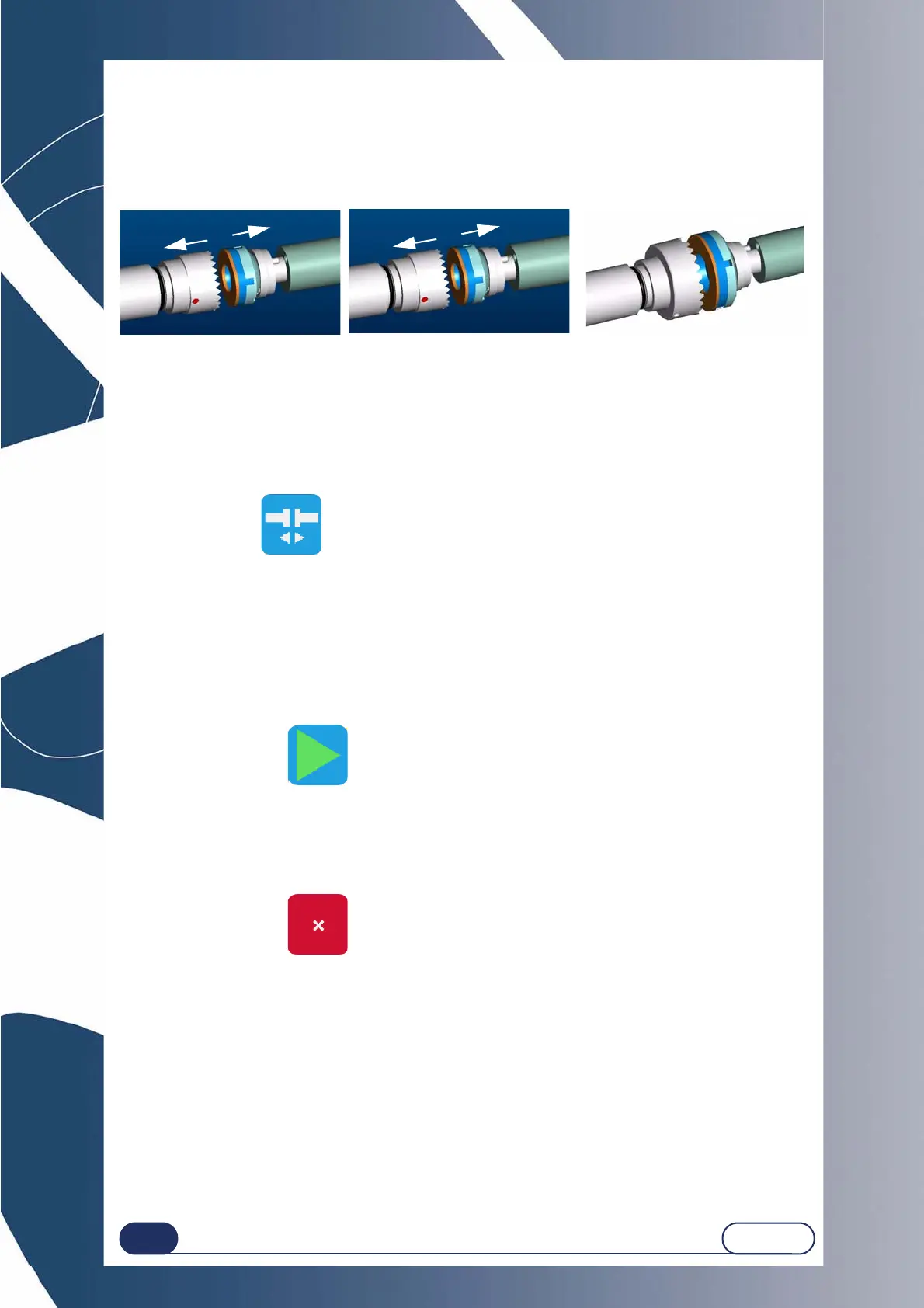
3.2.8.1.3 INSERTING / REMOVING THE LENS
3.2.8.1.3.1 To place the lens in the edging chamber
When all the edging characteristics have been entered, insert the lens in the edging chamber.
Always check that the correct clamping adaptors for the job have been fitted.
If the job being run requires special adaptors, a warning message will be displayed automatically.
C
AUTION ! OPERATE THE CLAMPING SYSTEM ONLY IF METAL ADAPTORS HAVE BEEN FITTED ON THE LENS CLAMPING
AND DRIVE SHAFTS.
3.2.8.1.3.2 To remove the lens from the edging chamber
When the edging cycle is stopped or interrupted, open the visor.
press this button .
Result: the lens clamp shaft opens automatically.
remove the edged lens without removing the block so as to be able to do a retouch if necessary.
3.2.8.1.4 STARTING / INTERRUPTING AN EDGING CYCLE
3.2.8.1.4.1 Starting an edging cycle
When all the edging characteristics have been entered and the lens is fitted on the lens holder
adaptor and the lens has been tightened,
press this button .
Result : The edging cycle starts.
3.2.8.1.4.2 Stopping/pausing an edging cycle
If you wish to stop/pause the current edging cycle,
press this button .
When edging is underway, this button is accessible from the other tabs.
19 mm diameter adaptors
25 mm diameter adaptors
17/flat adaptors



 To Next Page