Using your Edger...Usual procedure
3-56
LTO
3.2.8.1.2 USUAL PROCEDURE
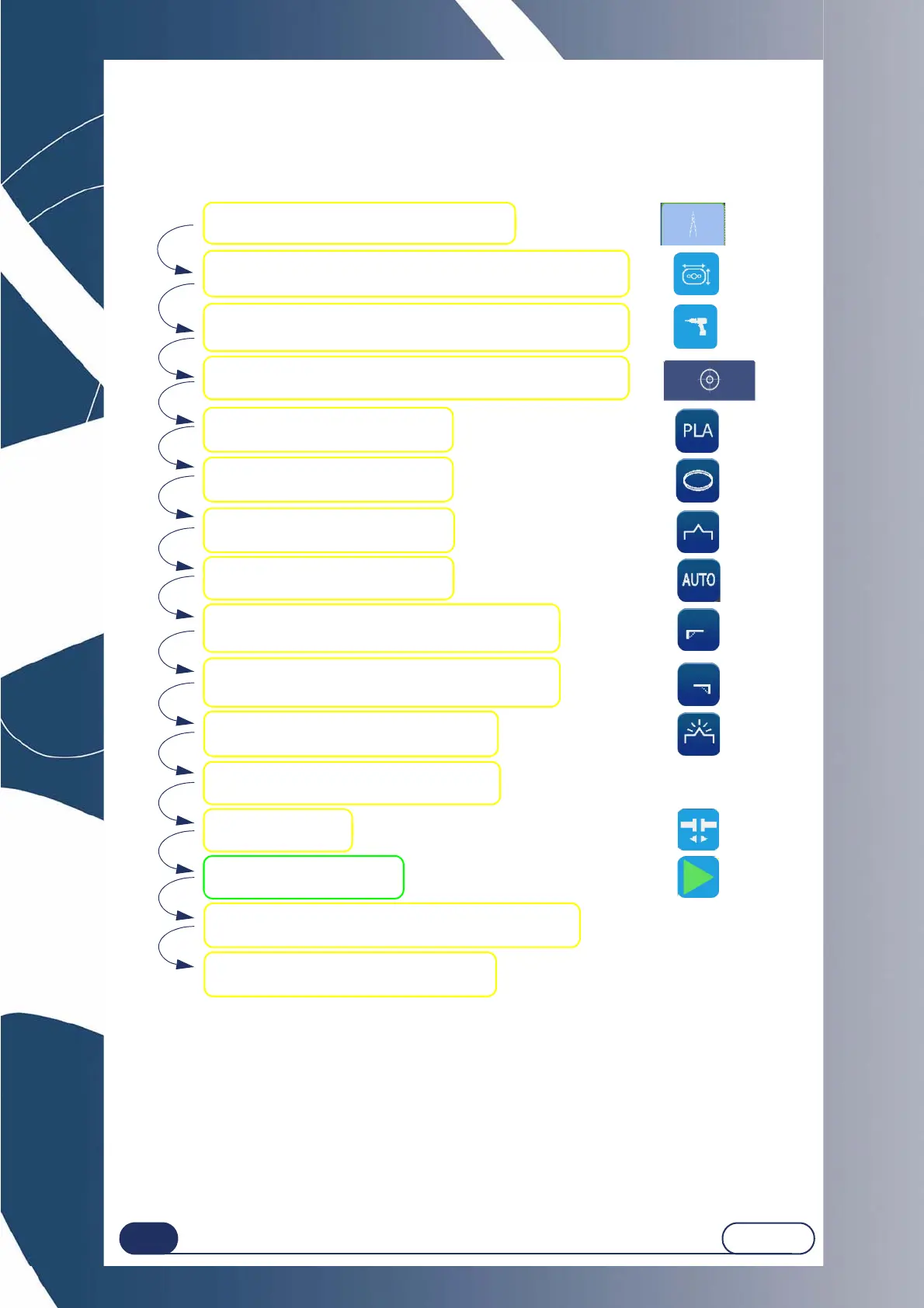
The following flow chart shows the usual edging procedure.
To obtain more information about a step or to see the relevant icons, click on the zone concerned.
Flow chart 3-2 : Usual procedure
IMPORTANT NOTES
During edging of the second lens, always check that the preselected type of finishing is the finishing that
you wish to apply.
In fact, the finishing selected for the first lens is automatically memorised and preselected for the
following lens.
Check the parameter values.
Create a Job in the creation interface.
Select the lens material.
Select the type of lens.
Select the finishing type.
Select the sub-finishing type.
Select the type of front safety-bevel, if desired.
Select polishing, if desired.
Place the lens in the edging chamber.
Start the edging process.
Select the type of rear safety-bevel, if desired.
At the end of the cycle, open the lens camp shaft.
Remove the edged lens carefully.
Tighten the lens
Change the job shape in the Digiform interface, if desired
Drill the job in the Digiform interface, if desired.
Block the lens in the Blocking/Centering interface.



 To Next Page