Using your Edger...Usual procedure
3-62
LTO
3.2.8.5.2 COMPLETE A JOB WITH GROOVE FINISHINGS
3.2.8.5.2.1 Object
Produce a job with the following characteristics:
HI plastic > Normal lens > Grooving > 33% Groove > Front and rear safety-bevel> Polishing
Safety-bevel parameters: front depth = 0.20 mm / rear depth = 0.20 mm
3.2.8.5.2.2 Procedure
To carry out the job described above, proceed as follows:
Flow chart 3-4 : Production of a job with Drilling finishing
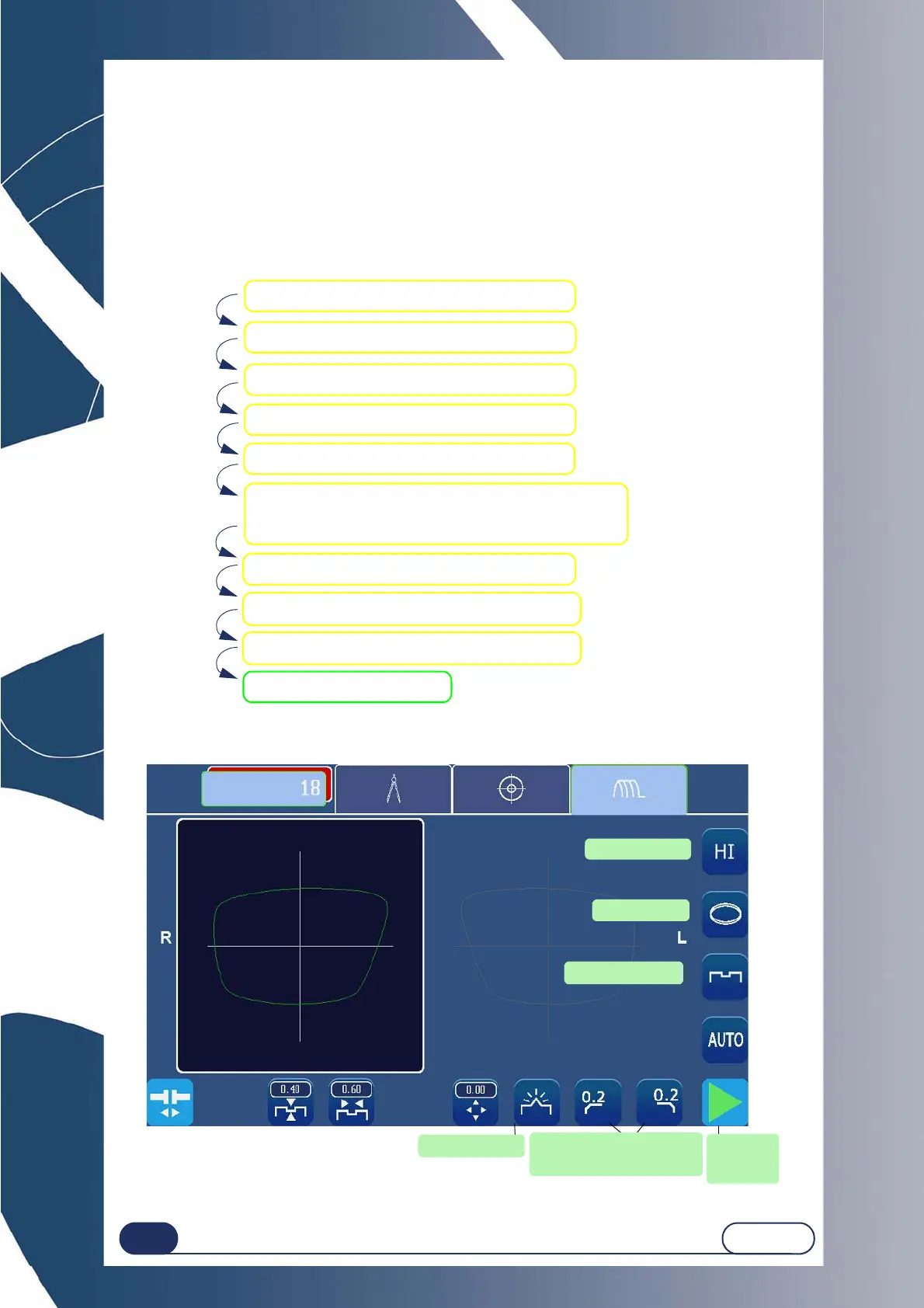
Screen 3-32 : Example of the production of a job with Groove finishing
Create a Job in the creation interface.
Select HI plastic lens material.
Select NORMAL lens type.
Select GROOVE finishing.
Select 3% sub-finishing.
Select POLISHING option.
Place the lens in the edging chamber.
Start the edging process.
Select 0.2 mm FRONT and REAR SAFETY-BEVELS.
Note: The front safety-bevel value is 0 or 0.2 mm.
The rear safety-bevel value is 0, 0.2, 0.4, 0.6mm.
Tighten the lens
Normal Type
With polishing
Safety-bevel Front
and rear face 0.2 mm
Groove Finishing
HI plastic lens
Start the
edging
process



 To Next Page